NEW
✨ Health insurance, now in PayFit - learn more
LATEST
💷 All the rates & thresholds you need to know for 25/26...right here
WEBINAR
✨ The Payroll Journey: Start, Scale & Succeed Globally - learn more
✨ Health insurance, now in PayFit - learn more
💷 All the rates & thresholds you need to know for 25/26...right here
✨ The Payroll Journey: Start, Scale & Succeed Globally - learn more

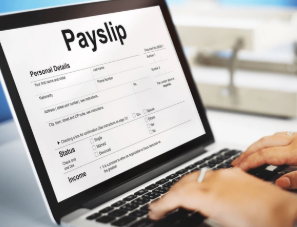
Creating a compliant payslip is a fundamental legal requirement for every UK employer, ensuring transparency regarding financial data between the business and its workforce.
The Employment Rights Act 1996 strictly dictates that specific figures appear on every wage slip. While these details are mandatory to ensure the employee understands their deductions, other items are recommended to help reduce queries, increase transparency, and build trust with staff. Using a reliable payroll solution ensures these fields are never missed.
| Mandatory details (legal requirement) | Recommended details (best practice) |
|---|---|
| Gross pay: Total salary before any deductions | Tax Code: e.g. 1257L, important for tax accuracy |
| Net pay: The final take-home income | NI Number: The employee’s unique identifier |
| Variable deductions: Tax, NI, and pension contributions each pay period | Payroll ID: Internal reference number for records |
| Hours worked: Mandatory if pay varies by time worked (e.g. hourly) | YTD information: Year-to-date taxable pay and tax paid |
| Deduction breakdown: Clear split of fixed vs. variable amounts | Payment method: e.g. BACS transfer details |
Calculating the difference between gross pay and net pay is the core function at the heart of running payroll.
To reach the correct figure of net pay, you must start with the total earnings for the period. This is the gross pay. You then subtract any pre-tax deductions, such as pensions and salary sacrifice schemes, like cycle to work schemes or childcare vouchers. Finally, you remove Income Tax and National Insurance.
This process transforms the raw salary figure of gross pay into the net pay, or the actual money landing in your employee’s bank account, requiring absolute precision to ensure compliance and an optimal employee experience.
Tax codes determine how much tax-free income an employee receives before deductions kick in. The standard code is 1257L, but this changes if an individual has underpaid tax or receives company benefits. Therefore, you must check these codes against HMRC notifications before every pay run. Errors here will lead to incorrect tax payments, staff complaints, and potential fines.
Employer contributions rose to 15% in April 2025, with the Secondary Threshold dropping to £5,000. You must also deduct Class 1 National Insurance from employee pay. Since rates fluctuate, relying on a static calculator or manual step-by-step process is risky. Understanding National Insurance contributions is vital for accurate budgeting.
Payroll software guide
Technically, you can use Excel or a free template to generate payslips, but, for growing UK businesses, relying on a manual spreadsheet method for payroll in 2026 is fraught with peril and inefficiency.
A simple Excel spreadsheet or free online template might help you create a visual document that looks like a payslip, but it most likely won’t calculate liabilities. This is because typically it’s just a visual design tool, and not a calculation engine.
These tools rarely update automatically for new laws, such as holiday pay record-keeping changes. If you use a static template, you remain personally liable for any errors that might pop up after some time. Plus, manual pay slips don’t send data to HMRC, forcing you to perform separate RTI submissions.
Therefore, while a manual template might be partially compliant, it won’t be for long.
Manual entry invites ‘fat finger’ errors, where decimals or digits are mistyped. A manual make-shift system also lacks an audit trail.
If a dispute arises regarding holiday pay, especially with 2026 regulations requiring six-year records, finding and understanding the original calculation in an old, disjointed spreadsheet is nigh on impossible.
Secure cloud payroll software mitigates this by maintaining a permanent, easy-to-query digital log.
Switching to dedicated and integrated HR and payroll software transforms payroll from a manual headache into an automated, compliant process.
Modern software allows you to generate payslips in an instant. Instead of typing figures in for each and every employee, the system pulls HR data and calculates insurance and pension contributions automatically in a matter of seconds. You can then preview documents before finalising and publishing them.
All this frees up time for HR and finance teams, so that they can turn their focus to more strategic endeavours. Indeed, automation can reduce administrative burdens by up to 80%.
Cloud platforms update automatically for new legislation. Whether it’s the delayed payrolling of benefits in kind (BiK) (set back until April 2027), or new holiday pay retention rules, modern automated digital platforms will handle it.
This ensures your company remains compliant without manually checking, updating and archiving paper and static digital records. When your platform handles all the changes, keeping up with payroll legislation is easy and automatic.
The following table summarises the main operational differences between using a manual approach and a professional solution.
| Feature | Manual template / Excel | Cloud payroll software |
|---|---|---|
| HMRC updates | None – you must research and update formulas manually | Automatic updates for rates, thresholds, and new laws |
| Accuracy | High risk of human error in formulas | Guaranteed accuracy for tax and NI calculations |
| RTI submission | Separate manual process via HMRC Basic Tools | Automated submission to HMRC with one click |
| Employee access | Manual email or printing (GDPR risk) | Secure online portal for staff to view history |
| Cost | Supposedly ‘free’, but costly in time and potential fines | Monthly subscription, often scalable for small businesses |
Moving away from paper processes is a strategic choice for efficiency, security, and sustainability.
Paper payslips are easily lost or intercepted, posing significant data breach risks. Electronic payslips live on secure, encrypted servers requiring multi-factor authentication. This ensures sensitive data, like National Insurance numbers, remain viewable only by the intended recipient.
Employees now tend to expect instant smartphone access to financial data. An electronic system provides a historical archive of payments, instantly downloadable for mortgage or rental proof. This self-service reduces the burden on HR teams, who no longer need to reprint lost documents.
The speed and reliability of payslip distribution are just as important as their calculation accuracy. Under UK law, you must provide the payslip to your employee on or before their payday.
Digital distribution is both legal and recommended for all modern businesses. An online portal lets staff access documents securely from any device, eliminating printing costs. A secure preview function will let you check accuracy before the final release.
While technically possible in the past, modern best practice is both digital and self-service. Employees often need duplicates for life events. Digital platforms empower staff to freely download historical payslips whenever needed, removing administrative bottlenecks and stationary costs, and relieving the employer of the burden of multiple requests.

Payroll Software Guide
Here are some common questions regarding how to create a payslip and payroll compliance.
To create a payslip correctly, it is highly recommended you use HMRC-recognised software that calculates tax, National Insurance, and pension contributions automatically. Writing one by hand is inefficient and error-prone. Adopting a comprehensive payroll solution ensures you will instantly meet the right legal requirements.
A payroll number uniquely identifies an employee within your system. While not legally mandatory on the slip, crucially it prevents confusion between employees with similar names. Consistent payroll numbers maintain accurate records across tax years.
If staff pay depends on time worked (e.g. hourly wages), you must show hours on the payslip. This transparency proves compliance with the National Minimum Wage. Perfectly understanding what is net pay and how net pay is calculated helps explain how hours impact final take-home figures.
You should keep payroll records for at least three years, but the best practice for payroll accounting is six years. Indeed, April 2026 changes will specifically require keeping holiday pay records for six years. It’s therefore important you use a system that archives data securely. Furthermore, a payroll compliance checklist will help you stay audit-ready.
Free online tools exist but they are often very basic, and may lack GDPR or tax compliance. Using a ‘free’ tool often also carries hidden data risks. For a growing business, creating a payslip via proper software is much safer and more efficient, and can be integrated seamlessly into your payroll run.
PAYE stands for Pay As You Earn. It is the system HMRC uses to collect Income Tax and National Insurance from employment income before it is paid to you, ensuring contributions are spread evenly across the tax year.

Confused by what's on your payslip? Our guide breaks down everything from gross vs net pay to tax codes & abbreviations for UK employees and employers.
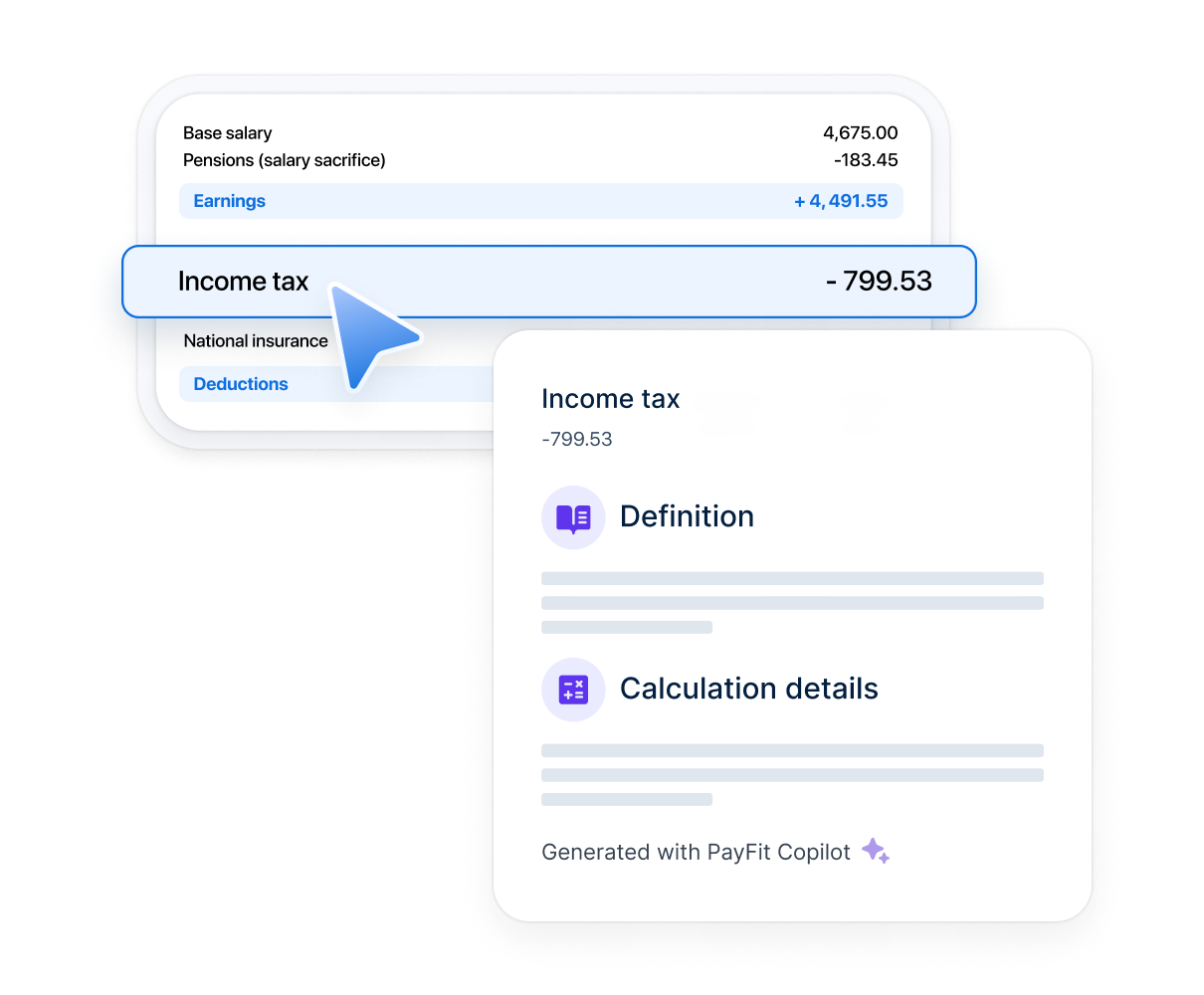
PayFit unveils interactive payslip solution: 500+ payroll line variations explained with AI. Help employees understand their pay, case by case.

Discover the benefits of online payslips and how this simple example of workplace tech empowers staff with paperless, email-free workflows.

Everybody loves payday. Seeing your bank balance topped up and knowing that there's money to burn. It's a good feeling, right? But what about the payslip itself? Could that offer more? Well, we at PayFit think it can!
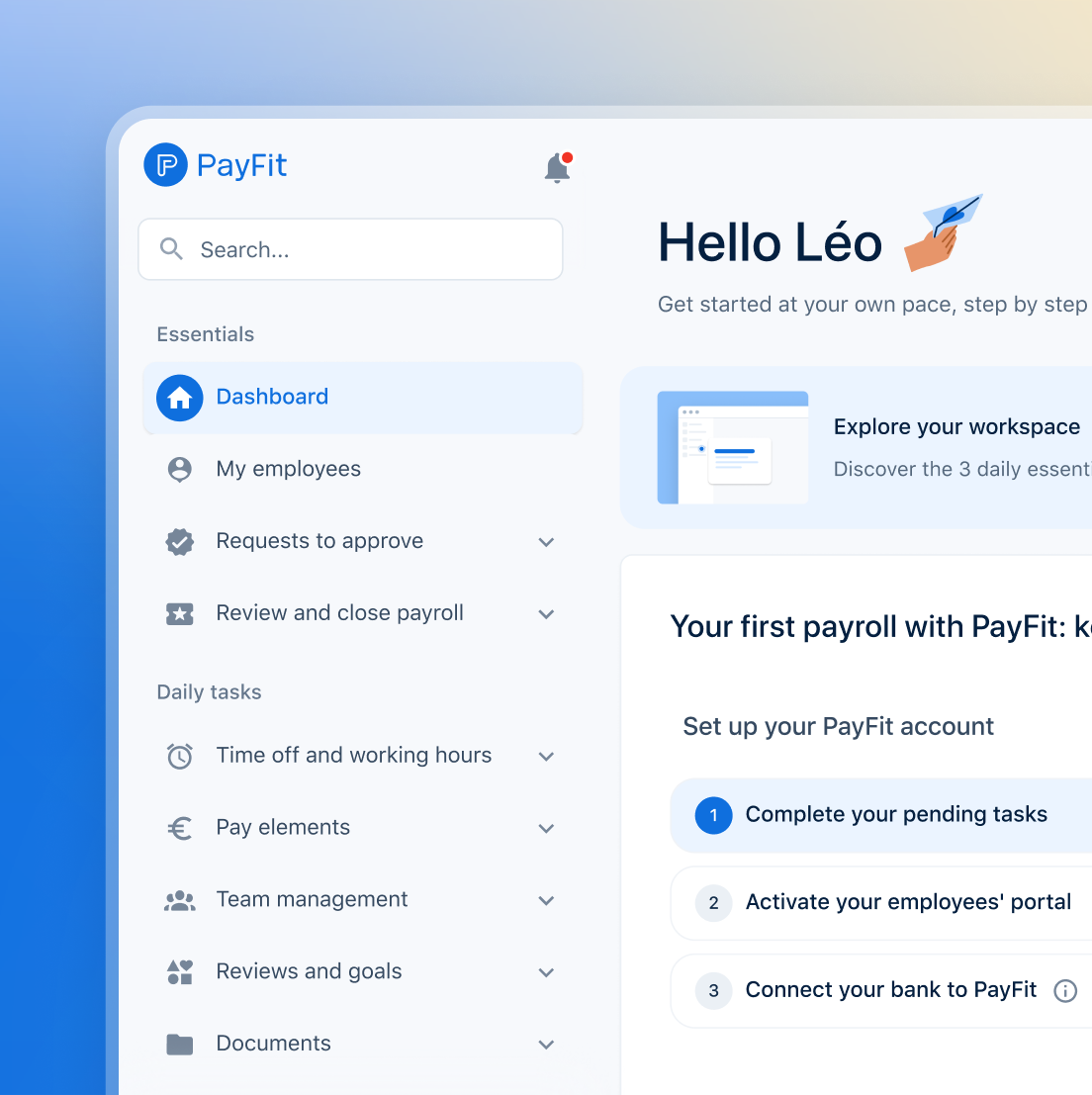
See what's new in PayFit
New features to save you time and give you back control. Watch now to see what's possible