 Until 31 October
Expense management software
Expenses managed without the headache.
From receipt submission to payroll reimbursement, Payfit handles every step of the expense process. Employees submit, managers approve and approved expenses are automatically added to payroll.
22,000 businesses look after their teams with Payfit

75%
less time managing expenses
3 clicks
from employee, to manager, to payslip
One software
available 24/7, everywhere
Keep every expense moving, from receipt to payslip

Receipt details, captured automatically
Employees upload a photo and Payfit AI captures the key details. Receipts are stored securely, so your team can find them when they need them.

From approval to payroll
Managers review and approve expenses in Payfit. Once approved, the expense flows into the next payroll run, with no manual re-entry.

Everyone stays in control
Employees know when they'll be reimbursed, managers approve with confidence and admins get a complete view of expenses and payroll impact in one place.
From photo to payslip – expenses automated for you.

Currency converter
Employees travelling abroad? Payfit automatically applies the correct exchange rate at the time of the claim. No manual conversion, no rounding disputes. Just the right amount, already in the system.
Automated payments
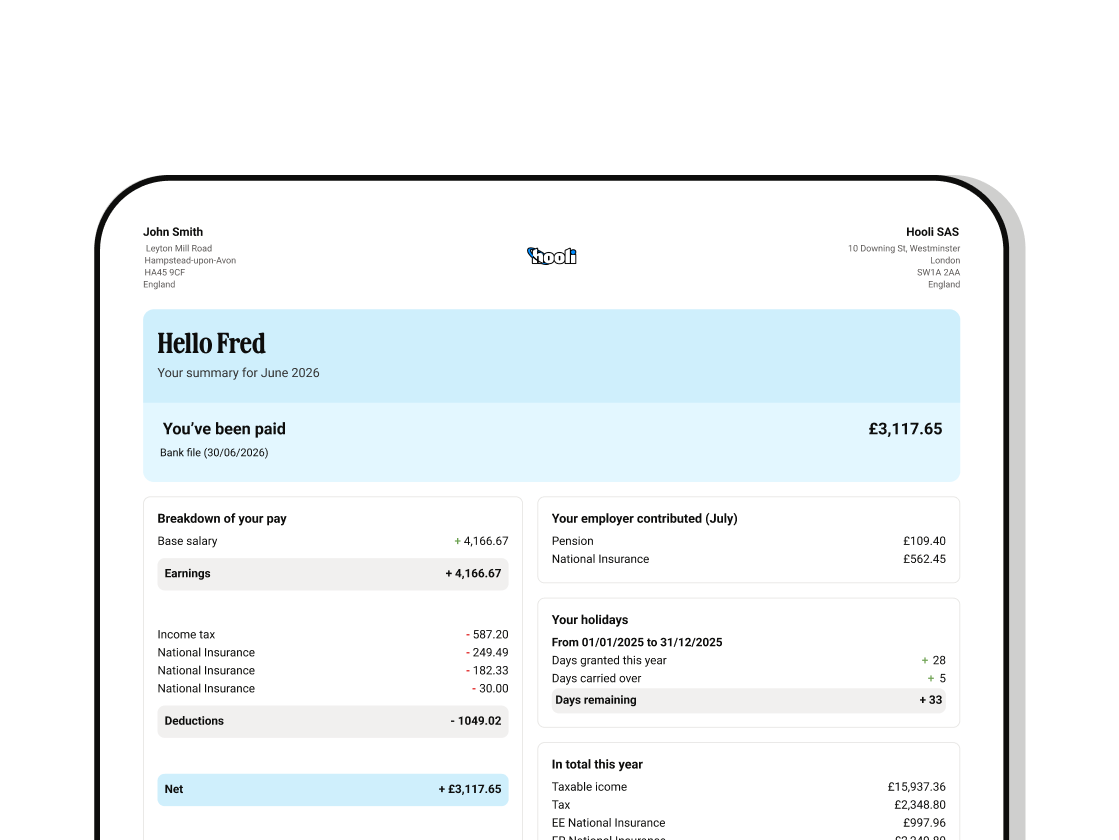
Approved expenses are included in the next payroll run and clearly shown on the employee's payslip. No separate bank transfer to arrange. No employees chasing you to ask where their money is. It just happens.
Spending limits
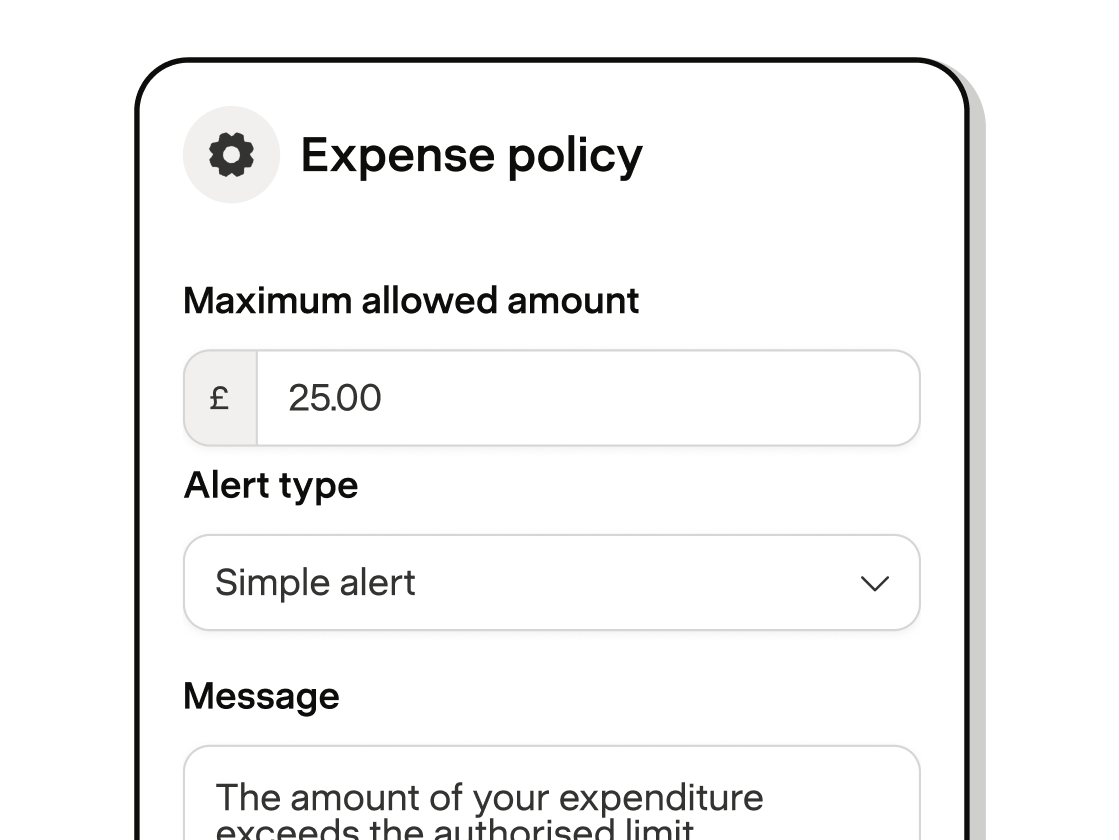
You can set limits by category or overall. Meals, travel, accommodation. Payfit flags anything over the limit before it reaches your approval queue. Budget control, without micromanagement.
Detailed reporting
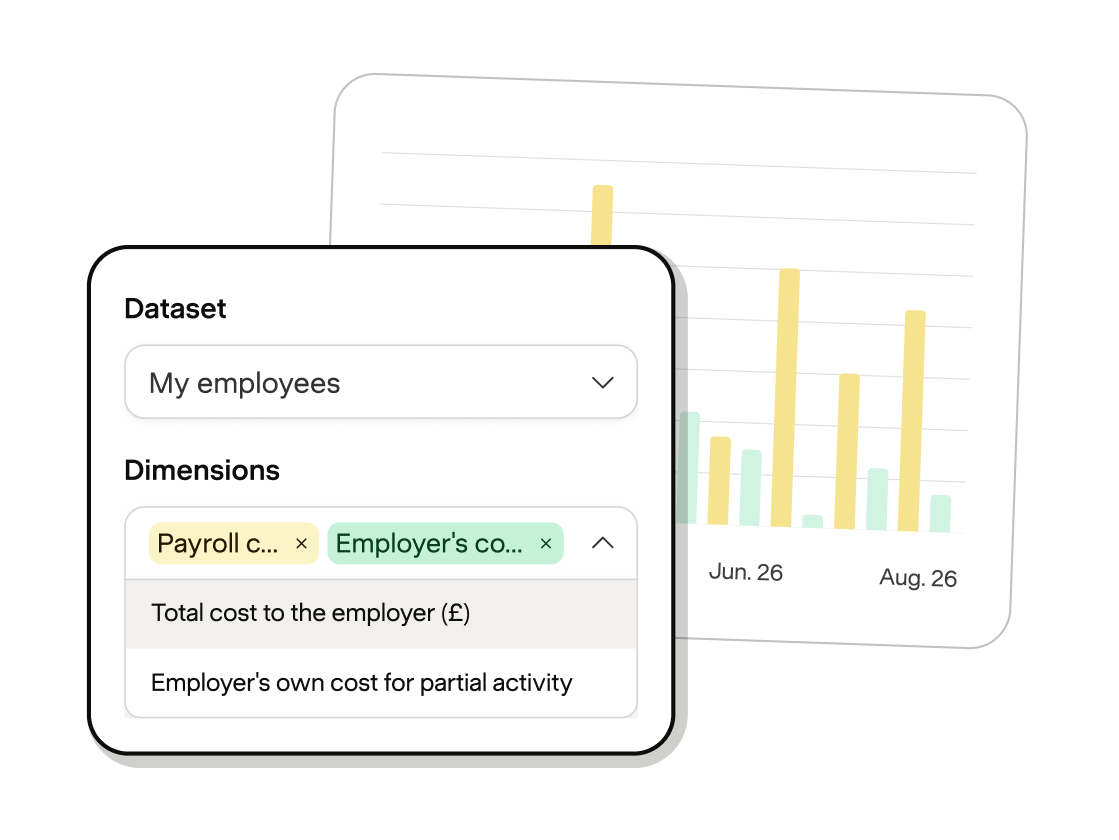
Export expense summaries by category or month in one click. Mileage, meals, travel, everything broken down clearly for finance sign-off, budget reviews, or HMRC records.
Centralised storage
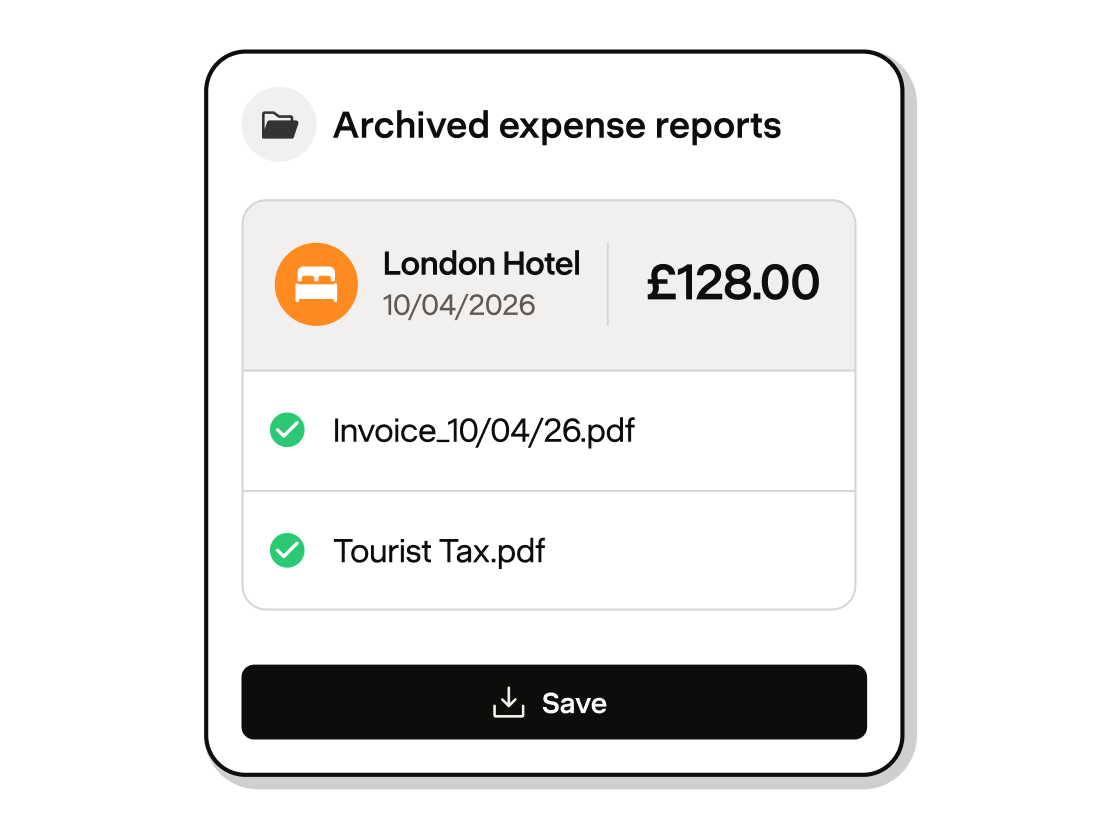
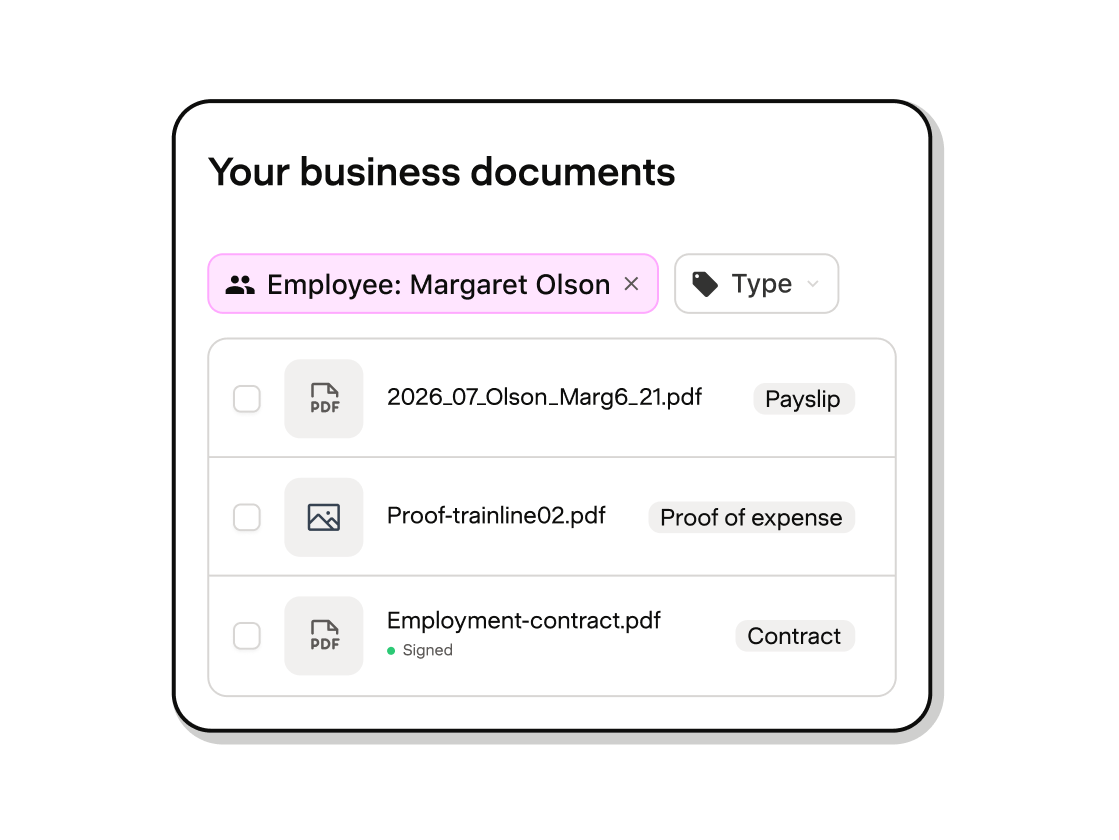
Every approved expense is given a digital signature and securely archived inside Payfit. If HMRC comes knocking, your records are already in order. No scrambling, no missing receipts.
Easily downloadable
Download all supporting documentation in one click, with a verified statement confirming each document's authenticity. Everything you need for an HMRC inspection, ready when you need it.
Validate expenses in three steps

Slide 1 of 3
What our customers say about expenses

4.5
From Trustpilot

4.5
From Capterra



“It just takes one click to validate expenses and then it's on the payroll. Employees are reimbursed really easily, too.”
Barbara Weinberg
HR Manager, Widilo, Technology, 50+ employees
Slide 1 of 1 - Barbara Weinberg
Your questions
Payfit, explained

How do employees submit an expense claim?
How do employees submit an expense claim?
They take a photo of their receipt on their phone. Payfit AI reads the receipt, checks it against your expense policy and fills in the amount, date and category automatically. The employee reviews the details, adds any notes and submits. Their manager gets notified straight away to approve or decline. Once approved, the reimbursement is added to the next payslip automatically. Three steps, no spreadsheets, no chasing.
How quickly do employees get reimbursed?
How quickly do employees get reimbursed?
Reimbursements are processed through payroll, so employees receive their money with their next salary payment, clearly shown on their payslip. There's no separate bank transfer to manage and no delay between approval and payment. A clear expense reimbursement policy, covering claim limits and settlement timelines, also helps avoid confusion about what gets paid and when.
Can I set rules around what employees can claim?
Can I set rules around what employees can claim?
Yes. You can set spending limits per expense category or as an overall cap directly within Payfit. If a claim exceeds your limit, it's flagged for review before approval. Knowing the difference between allowable and disallowable expenses also helps you set limits that reflect what HMRC actually permits, so you stay in control of your budget without micromanaging every claim.
How does Payfit keep expense records for HMRC?
How does Payfit keep expense records for HMRC?
Every approved expense is given a digital signature and a unique fingerprint before being securely archived. If you don't process a reimbursement through payroll, it may still need to be reported to HMRC on a P11D form. The full supporting documentation, receipt images, approval history and amounts, can be downloaded in one click at any time, so you have everything ready in the event of an inspection.
Does Payfit calculate business mileage automatically?
Does Payfit calculate business mileage automatically?
Yes. Employees log their journey and the mileage is calculated automatically at the correct rate. Payments that stay within HMRC's approved HMRC travel expenses rates are reimbursed tax-free through payroll, while anything above the threshold is flagged and taxed correctly, so you don't have to track the calculation manually.
Do I need a separate tool to manage expenses alongside payroll?
Do I need a separate tool to manage expenses alongside payroll?
No. Expenses and payroll run in the same place, so approved claims flow straight into the next pay run with no manual re-entry or reconciliation between two systems. If a claim raises a question, like an amount above your policy limit, our payroll experts are on hand to help you resolve it before it affects your payslips.
Discover all our features
You can entrust us with payroll management alone, or get support with HR management, leave and absence management, and management routines.


