 Until 31 October
Your first payroll run, handled with confidence
Our UK payroll specialists prepare and check each pay run. Payfit AI answers your questions, and you approve with confidence, even if payroll is new to you.
22,000 businesses look after their teams with Payfit


Smart automation
Spend less time on admin, and more on growing your business
Run payroll in a few simple clicks
We’re a payroll software for startups that automates up to 90% of payroll tasks, from adding new starters to generating and sending payslips and P60s, reducing the time it takes to manage and pay your people.

One user-friendly platform to streamline everything
Running payroll ought to be simple and stress-free. Our Run-My-Payroll workflow was designed with simplicity in mind to make running payroll simple and straightforward.
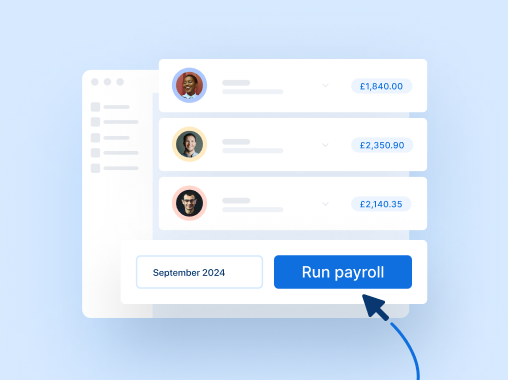
Payslips that magically update in real-time
Any changes you make in Payfit automatically reflect on payslips, so your team can spend less time on admin and more time supporting the growth of your business.

Expert support
Hands-on guidance to get you up and running
Smooth product onboarding so you can hit the ground running
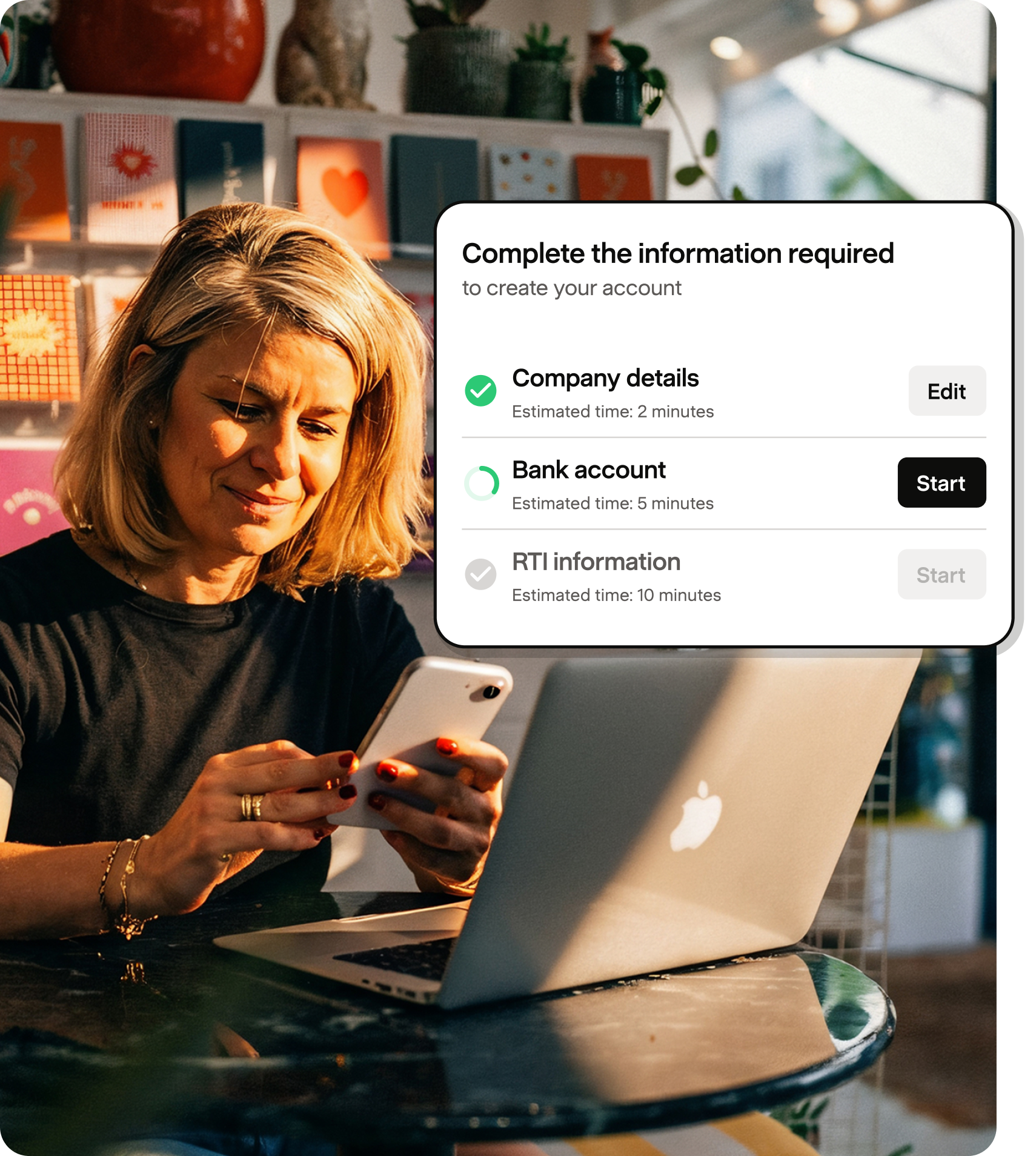
Our onboarding process is designed to get you up and running in no time. Our simple, step-by-step process guides you through setup to ensure that your first pay run goes smoothly.

Support from a dedicated implementation consultant
Support from our team means you won’t be doing any of this alone. Your assigned implementation consultant will be with you throughout your onboarding to answer any questions.

Free resources and training to get ramped up quicker
Payfit makes it easy to get help on any topic. Browse our Help Centre to find comprehensive articles and training videos on topics like benefits reporting or sign up for our free courses on Payfit Academy.

Tools to delegate
For when it’s time to take payroll off your plate
Permissions that are simple to set
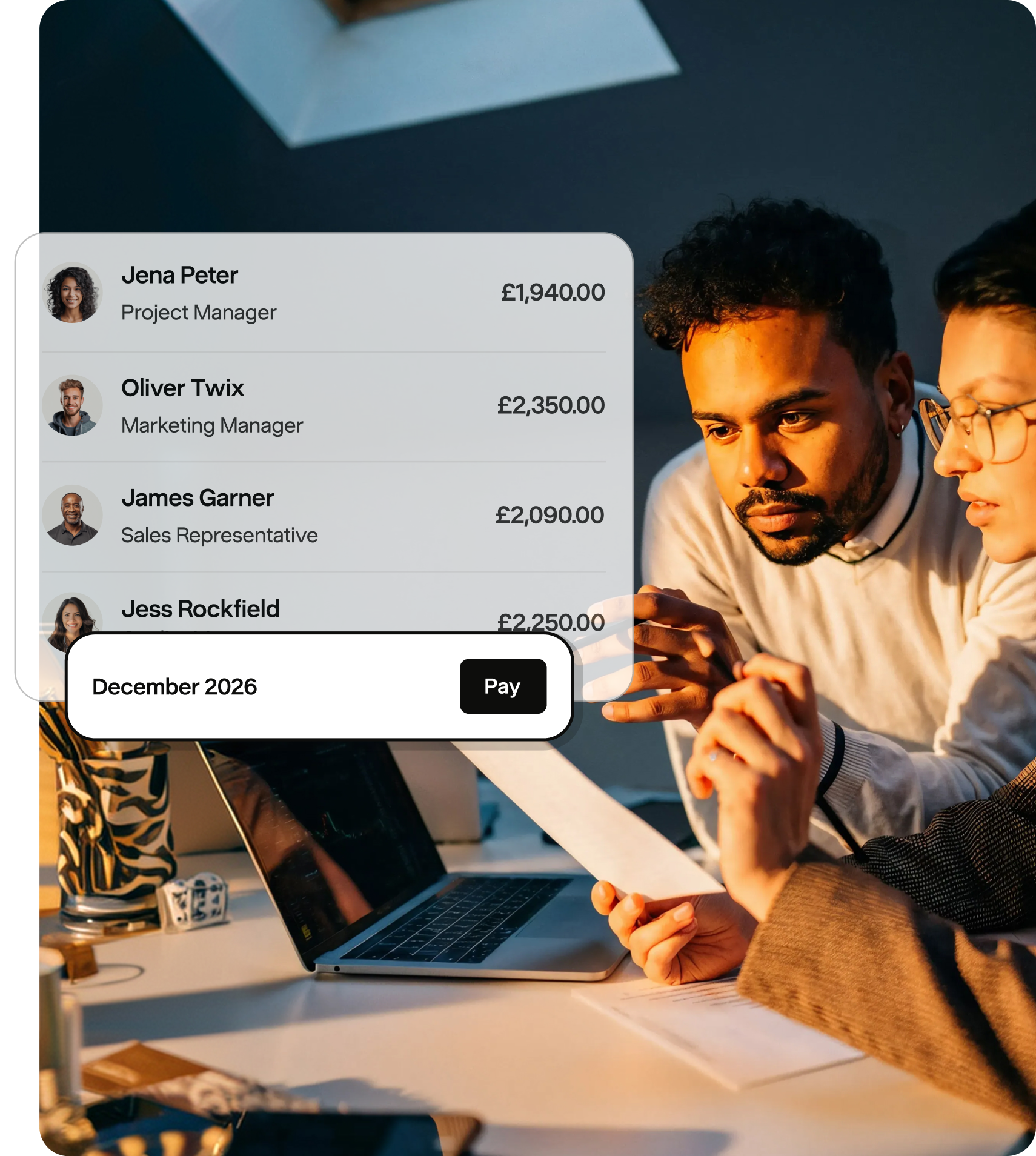
Payroll software should make it easy to take payroll off your plate. With Payfit, you can set up other staff members as admins to run and approve payroll on your behalf, so you can delegate away and re-focus on the big picture.

Simplified checks to reduce endless rounds of approval
Keeping track of who’s checked and approved payslips can be confusing. Once your permissions are set, Payfit sends admins automatic reminders for required checks so you can get payroll approved well before payday.

Always compliant
A solution that keeps you compliant, all the time
Automatic HMRC RTI and pension submissions
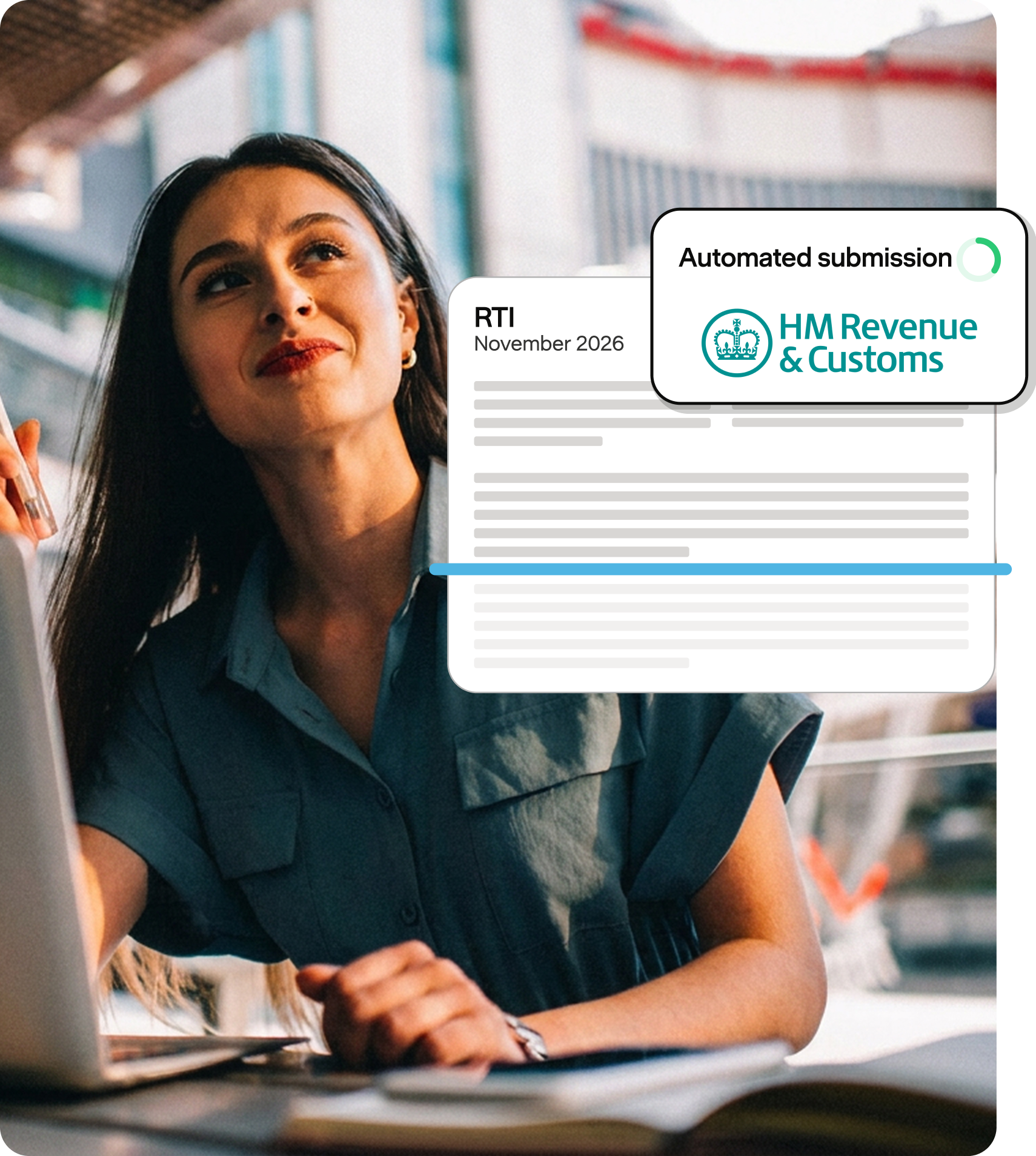
With Payfit, you never have to worry about payroll compliance, ever again. Automatic RTI and pension submissions mean you can stay on the right side of the payroll law so your staff don’t miss mandatory deadlines.
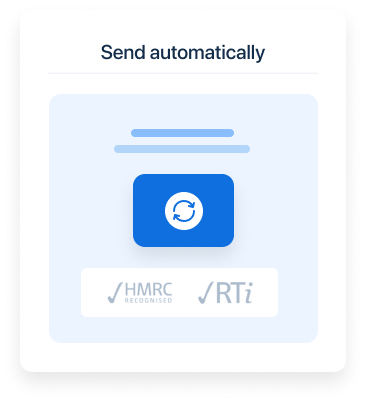
Updates for when legislation changes
Workplace legislation is always changing. Whether it’s a reduction to National Insurance or a shift in the personal allowance, Payfit ensures new rates and thresholds get coded in and are applied to subsequent pay runs as soon as they change.

Support from (real human) CIPP experts
Still have questions about a particular rate or calculation? Our (real) UK-based CIPP-qualified experts are always on standby to help, either through live chat or our call back service available through our Premium package.
HR made simple
HR features that grow with your company and its people
HR workflows for hassle-free people management
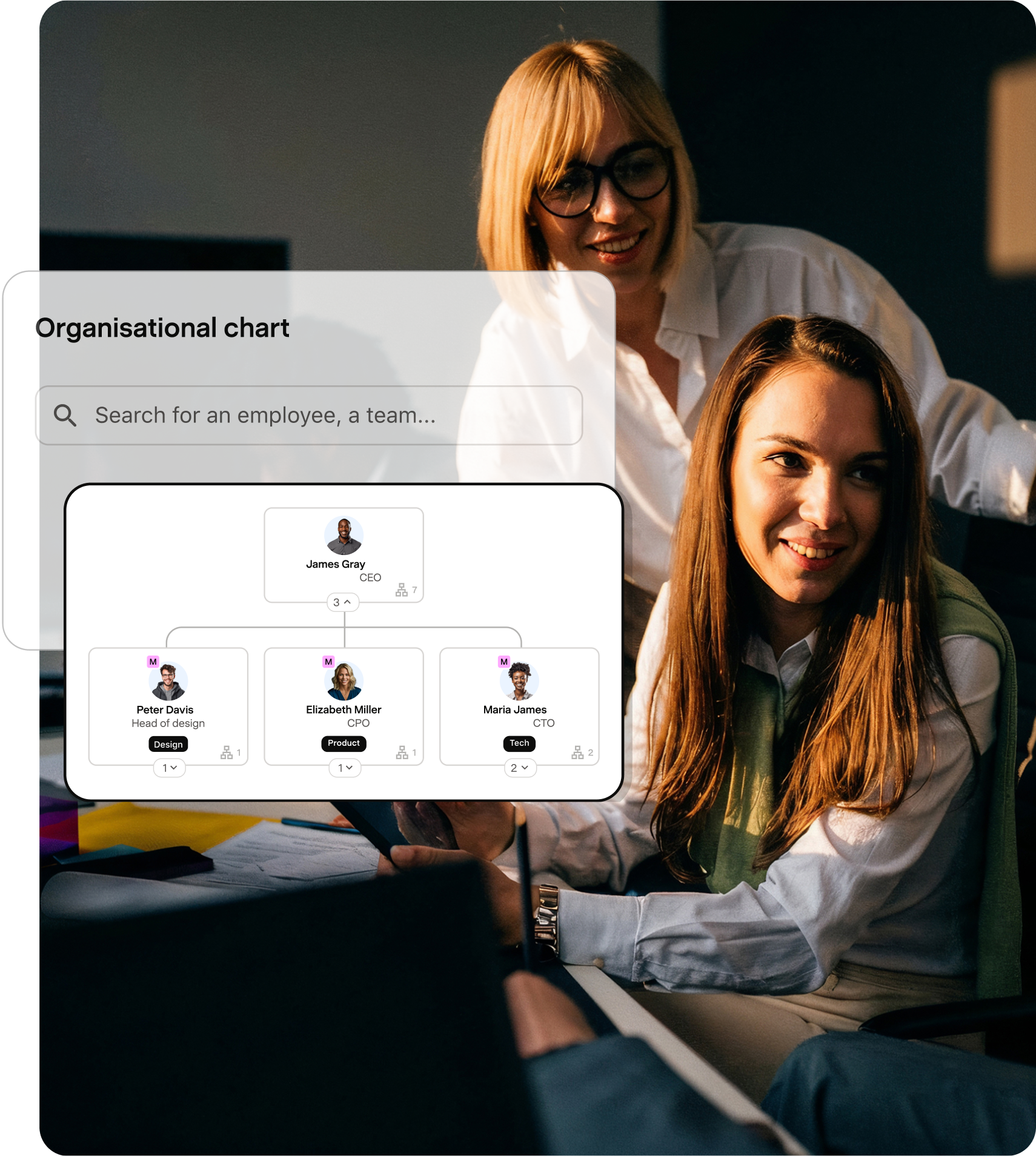
Create and share your company’s org chart, assign rights and approvals to your staff and centralise your employee data all in one, readily accessible place that revolutionises how you manage HR.

Leaves, absences, and expenses that work in harmony with payroll
Use Payfit to manage all your HR processes from one place, from validating leave requests to approving expenses. Once added, payslips update instantly to reflect time taken off and expenses.

Performance management that’s built to engage
Our performance management tool allows you and your employees to access and complete 1:1s and performance reviews directly through their Payfit portal.

Employee portals for easy access to documents & data
Our employee portals allow your people to view and access important documents and data at any time, including payslips, P60s, P45s, and leave balances so there’s less for you and your team to manage.
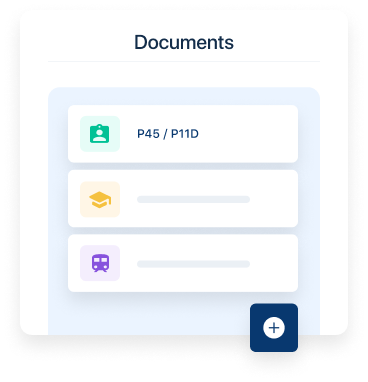
From your first hire to your first payroll, we’re with you.

Run payroll in a few simple clicks
From adding your first employee to sending payslips and P60s, Payfit guides you through each step with expert support when you need it.

Keep your payroll in one place
Keep employee details, pay information and payroll tasks together, without managing several spreadsheets.

Payslips your team can access
Employees can access their payslips securely, so you don’t have to send documents or answer every routine question yourself.
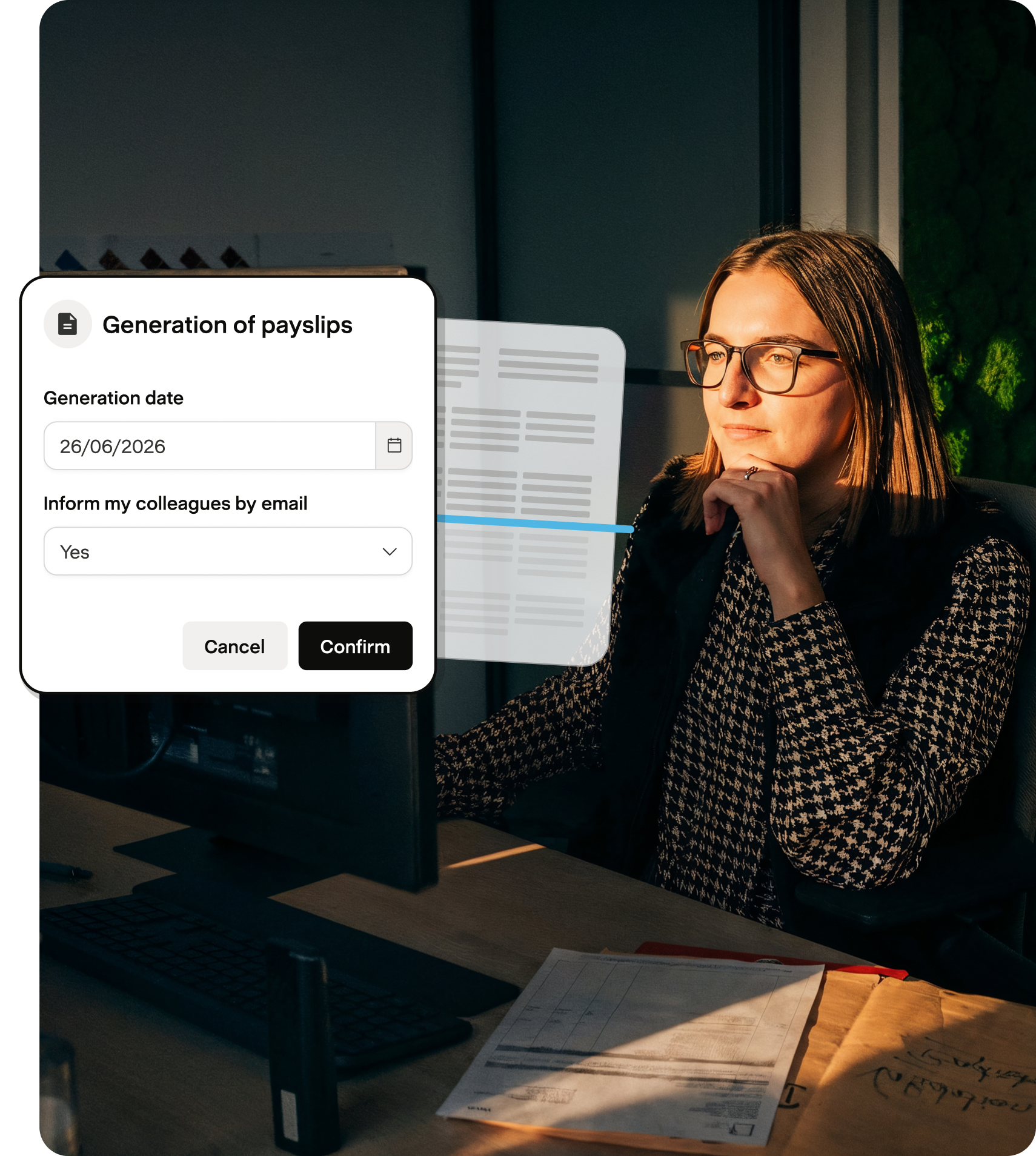
Payroll support, from day one onwards

Smooth product onboarding so you can hit the ground running
Our onboarding process is designed to get you up and running in no time. Our simple, step-by-step process guides you through setup to ensure that your first pay run goes smoothly.

Support from a dedicated implementation consultant
Support from our team means you won’t be doing any of this alone. Your assigned implementation consultant will be with you throughout your onboarding to answer any questions.

Free resources and training to get ramped up quicker
Payfit makes it easy to get help on any topic. Browse our Help Centre to find comprehensive articles and training videos on topics like benefits reporting or sign up for our free courses on Payfit Academy.
For when it’s time to take payroll off your plate

Permissions that are simple to set
Payroll software should make it easy to take payroll off your plate. With Payfit, you can set up other staff members as admins to run and approve payroll on your behalf, so you can delegate away and re-focus on the big picture.

Simplified checks to reduce endless rounds of approval
Keeping track of who’s checked and approved payslips can be confusing. Once your permissions are set, Payfit sends admins automatic reminders for required checks so you can get payroll approved well before payday.
A solution that keeps you compliant, all the time

Automatic HMRC RTI and pension submissions
With Payfit, you never have to worry about payroll compliance, ever again. Automatic RTI and pension submissions mean you can stay on the right side of the payroll law so your staff don’t miss mandatory deadlines.

Updates for when legislation changes
Workplace legislation is always changing. Whether it’s a reduction to National Insurance or a shift in the personal allowance, Payfit ensures new rates and thresholds get coded in and are applied to subsequent pay runs as soon as they change.
Support from (real human) CIPP experts
Still have questions about a particular rate or calculation? Our (real) UK-based CIPP-qualified experts are always on standby to help, either through live chat or our call back service available through our Premium package.
HR features that grow with your company and its people

HR workflows for hassle-free people management
Create and share your company’s org chart, assign rights and approvals to your staff and centralise your employee data all in one, readily accessible place that revolutionises how you manage HR.

Leaves, absences, and expenses that work in harmony with payroll
Use Payfit to manage all your HR processes from one place, from validating leave requests to approving expenses. Once added, payslips update instantly to reflect time taken off and expenses.

Performance management that’s built to engage
Our performance management tool allows you and your employees to access and complete 1:1s and performance reviews directly through their Payfit portal.

Employee portals for easy access to documents & data
Our employee portals allow your people to view and access important documents and data at any time, including payslips, P60s, P45s, and leave balances so there’s less for you and your team to manage.
Hear what our customers have to say

4.5
From Trustpilot

4.5
From Capterra


“Moving to Payfit is the best software decision that I’ve made in a long time. I drastically reduced the time spent running payroll, from six days to just a couple of hours.”
Steve Root
Partner @ Roots KBB
Slide 1 of 1 - Steve Root


Discover all our features
Payfit doesn't only automate payroll management, it also offers HR features and integrations with other software for seamless processes.





FAQ
No such thing as a bad question.

What should I look for in payroll software as a first-time employer?
What should I look for in payroll software as a first-time employer?
Look beyond price. The essentials are HMRC-recognised RTI submissions, automatic pension handling, and access to real payroll experts when something doesn't look right. Before your first payday, you'll also need to register as an employer with HMRC. With Payfit, specialists prepare and check every pay run before you approve it, so you're never relying on guesswork.
How much does payroll software for entrepreneurs actually cost?
How much does payroll software for entrepreneurs actually cost?
Pricing typically scales with headcount, so a one or two-person company pays a fraction of what a growing team does. What decides the real value isn't the monthly fee, it's whether RTI submissions, pension contributions and CIPP-qualified support are included as standard, or charged as extras once you actually need them.
Should I run payroll myself or outsource it?
Should I run payroll myself or outsource it?
Running payroll yourself means carrying full responsibility for PAYE, National Insurance and pension accuracy with no safety net. Outsourcing to a bureau or accountant often means slower turnaround and less visibility. If you're weighing up payroll outsourcing against in-house payroll, Payfit sits between the two: specialists prepare and check your payroll, and you keep full visibility and the final approval.
How quickly can I get my first payroll run up and running?
How quickly can I get my first payroll run up and running?
Most founders worry this will eat a week they don't have. In practice, your dedicated implementation consultant sets everything up with you, and Payfit AI is available around the clock for questions in between, so your first pay run doesn't wait on your calendar.
What if I miss a deadline or make a mistake on my first payroll run?
What if I miss a deadline or make a mistake on my first payroll run?
Late or missing submissions can trigger an HMRC penalty from £100 a month for businesses with up to 9 employees. This is exactly why Payfit's specialists check each RTI submission before it's sent, rather than leaving you to catch errors after the fact.
Will Payfit set up my workplace pension automatically?
Will Payfit set up my workplace pension automatically?
Yes. As soon as an employee earns over £10,000 a year (£192 a week) and meets the age criteria, they must be auto-enrolled into a workplace pension. Payfit handles the enrolment and the monthly contributions automatically, so it's one less threshold for you to track by hand.
When should I add HR features like leave, expenses or performance reviews?
When should I add HR features like leave, expenses or performance reviews?
As soon as you hire beyond yourself, spreadsheets start creating more admin than they save. The benefits of bringing HR processes together show up quickly: adding leave, expenses and performance management alongside payroll means every change reflects on payslips straight away, so you're not reconciling two systems every month-end.
Do I need payroll experience to use Payfit?
Do I need payroll experience to use Payfit?
No. That's precisely the point of having UK payroll specialists prepare and check each pay run alongside Payfit AI answering your day-to-day questions. You approve with confidence, whether payroll is brand new to you or not.