NEW
✨ Health insurance, now in PayFit - learn more
LATEST
💷 All the rates & thresholds you need to know for 25/26...right here
WEBINAR
✨ The Payroll Journey: Start, Scale & Succeed Globally - learn more
✨ Health insurance, now in PayFit - learn more
💷 All the rates & thresholds you need to know for 25/26...right here
✨ The Payroll Journey: Start, Scale & Succeed Globally - learn more


The PAYE reference number is a unique code assigned by HMRC to identify your business as an employer for tax and National Insurance purposes.
An employer PAYE reference number is a unique alphanumeric identifier that HMRC uses to track the tax records of a business employing staff.
Technically, HMRC refers to it as an Employer PAYE reference in official correspondence, and PAYE reference number in their online guidance and general web content. That said, an insurance or payroll software provider will typically call it an Employer Reference Number (ERN). Despite the different names, they are the exact same identifier.
The PAYE reference number consists of three digits, a forward slash, and then a combination of alphanumeric characters. The first three digits represent the specific tax office that deals with your PAYE scheme, while the second part is the unique reference for your business.
For example, a typical format might look like: 123/AB456.
As a business, you will use this special combination of letters and numbers to facilitate the accurate transfer of information regarding income tax and National Insurance contributions to HMRC, for example, via the Real Time Information (RTI) system.
Think of it as a digital label that ensures every penny you withhold from wages is correctly attributed to your company account. It is particularly important to note that this is a unique code for the company, not the individual employee. Each group of employees within a single PAYE scheme falls under this one identifier.
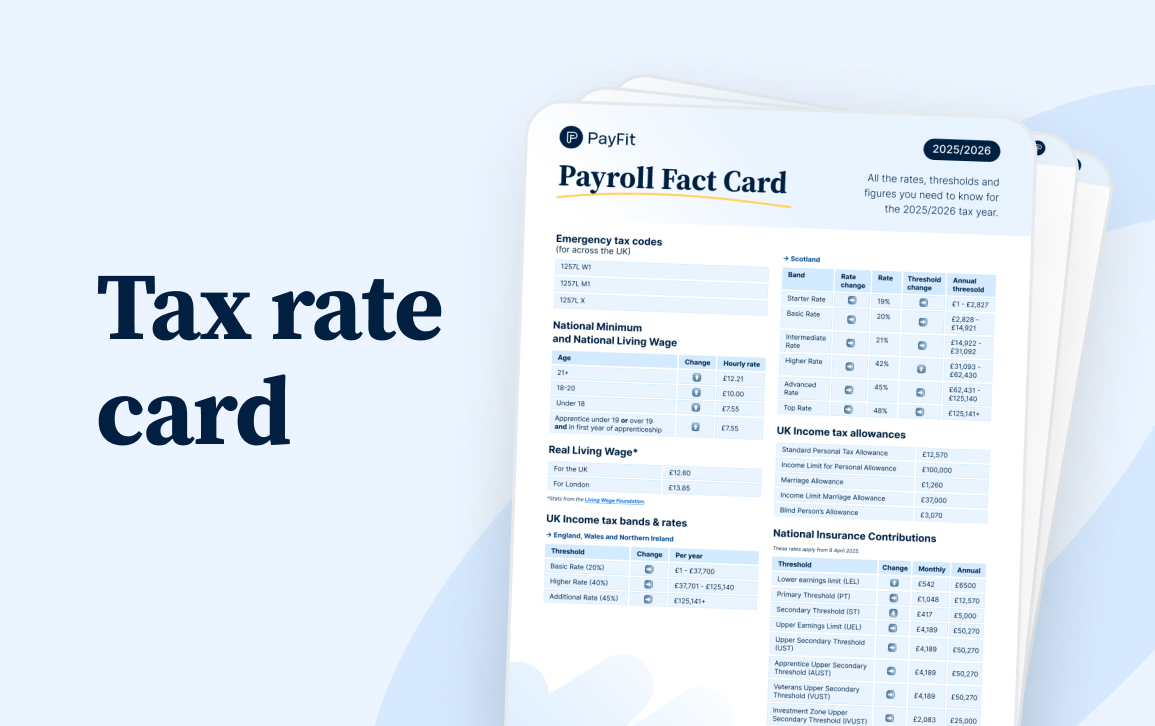
Rates & thresholds for 2025/26
You can find your employer PAYE reference number on almost any official correspondence sent to you by HMRC regarding your payroll.
The most common place to locate it is in the welcome pack you received when you first registered as an employer. If you have misplaced that physical form or letter, you need not worry. You can also find it:
On P45 and P60 forms issued to past and present staff
On P11D forms used for reporting expenses and benefits
In your online HMRC business tax account.
On payslips provided to your workforce.
If you use a fractional CFO (a part-time finance professional who provides Chief Financial Officer services) or an external finance team, they will also have this record on file within your financial documents. In any case, it is vital to keep this identifier safe, as you will need to provide it frequently.
You will need to use your PAYE reference number whenever you interact with HMRC regarding your staff or their pay.
It serves as the digital fingerprint for your business within the UK tax system. Beyond standard payroll reporting throughout the tax year, there are also specific scenarios where use of the PAYE reference number is mandatory for every employer:
When you adopt a new payroll solution, the first thing the system requires is your PAYE reference number, or ERN. This ensures that Real Time Information (RTI) reports submitted to HMRC are linked to the correct employer record. Without it, your payment data cannot be processed, and you may face penalties.
In the UK, you are legally required to have employers’ liability insurance coverage just as soon as you begin to hire staff. Your insurer will need your PAYE reference number, or ERN, to upload your policy details to the Employers’ Liability Tracing Office (ELTO). This body helps any employee find their insurer if they need to make a claim for an injury or illness related to their job, even many years down the line.
At the end of the tax year, you must issue a P60 form to every employee. This document summarises their total pay and deductions, and the P60 form must clearly display the employer PAYE reference in order to be valid.
Whether you are sending letters about a discrepancy or calling for help, HMRC agents will ask for this reference immediately to access all the details in your file.
The PAYE reference number identifies who is paying, while the Accounts Office reference identifies the payment itself.
This distinction between the PAYE reference and Accounts Office reference is a common source of payment allocation errors for finance managers and directors. The Accounts Office reference is strictly for making payments to HMRC. It is 13 characters long, and ensures your money ends up in the correct pot.
If you use your PAYE reference number to pay your monthly bill, the payment might hang in suspense, leading to automated dunning letters for arrears you technically do not owe. So, experienced CFOs should know that confusing these two numbers is a common cause of administrative headaches.
Use this quick reference guide to distinguish between the various codes issued by HMRC:
| Identifier name | Format example | Primary use |
|---|---|---|
| PAYE Reference (or ERN) | 123/AB456 | Filing RTI returns, taking out insurance, P45/P60 forms |
| Accounts Office Reference | 123PA00045678 | Making monthly payments (PAYE/NIC) to HMRC |
| Unique Taxpayer Reference (UTR, for Corporation Tax) | 12345 67890 | Filing company tax returns (separate from payroll) |
You register for a PAYE reference number by setting yourself up as an employer on the official government website.
You must do this before the first pay day for your employees. However, you cannot register more than two months before you start paying people. It is a balancing act that requires good time management. Here are the steps involved:
Check eligibility: Ensure you actually need to register. If you pay anyone more than £123 a week in 2025/2026, or £129 a week in 2026/2027, provide benefits, or if they have another job, you must register.
Apply online: Use the government portal. You will receive your reference number within five working days.
Activate services: Once you have your number, you can activate PAYE for employers in your online account.
Tip: If you are a managing director of a limited company and you are the only employee, you will still need to register if you pay yourself a salary above the Lower Earnings Limit.
The fundamental structure of the PAYE reference number remains stable, but the reporting requirements attached to it are evolving.
As we move through 2026, HMRC is pushing for more digital integration. The move towards the mandatory payrolling of benefits is accelerating, with full implementation expected by April 2027.
This means your reporting of benefits in kind will flow directly through your payroll software using your PAYE reference, rather than requiring a separate annual submission.
Raising capital or planning for an exit? Investors will audit your compliance thoroughly. Having a clean history of submissions tied to your PAYE reference, or ERN, is a sign of a healthy financial operation.
Managing business reference numbers manually is a recipe for administrative chaos and compliance errors.
Using services like automated payroll software removes manual data entry risks. Such a robust platform stores your PAYE reference number and Accounts Office reference securely. And the software automatically applies the correct reference to every submission and payment file.
For a growing business, this automation is not merely about saving time. It also comes down to risk mitigation. CFO and HR leaders can rest easy knowing that every contribution report sent to HMRC carries the right identifiers, thus warding off costly investigations.
Also, such software allows employees to self-serve. They can download their own P60s and payslips, which already contain the necessary employer references, saving your office manager hours of administrative work. Even if you rely on fractional support staff, they can access all the data they need without delay.

Payroll Software Guide
Yes, it is possible. If your business has different branches or manages a group of companies, you might choose to operate separate PAYE schemes. Each scheme will have its own unique PAYE reference number. However, most SMEs prefer to keep everything under one scheme for simplicity’s sake.
No, your company registration number is issued by Companies House when you incorporate. Your PAYE reference is separately issued by HMRC specifically for tax and employment purposes. They serve completely different functions, so it’s important to not get them muddled up.
You should check your past payroll correspondence or log in to your HMRC online account. If you cannot find it, you should contact HMRC immediately. You will need to verify your identity and your company details. Your finance team can also check previous tax year records.
Generally, no. Genuine freelancers and contractors handle their own tax. However, be careful with IR35 rules. If a contractor is deemed an employee for tax purposes, you may need to operate PAYE. Understanding employee status helps ensure you are compliant.
Yes, the type of characters used in the second part of the reference usually includes capital letters. When entering this into your software, ensure you copy it exactly as it appears on HMRC documents to avoid rejection. Technically, HMRC’s own internal systems are generally case-insensitive. However, payroll software and banking interfaces are often much stricter. Many platforms have validation rules that specifically expect capital letters. If you type lowercase characters, the software may flag the entry as ‘invalid format’, and block you from saving the settings or submitting your RTI return.

Essential guide for UK employers on the Lower Earnings Limit (LEL), covering new rates, National Insurance changes & the removal of LEL for SSP eligibility.

UK managers' guide to Employers National Insurance, the 15% rate, £5,000 threshold, Employment Allowance updates and how to stay compliant in 2026.

National Insurance varies based on a number of different factors. Learn about different UK National Insurance classes, from class 1 NIC to 4, here.

Learn how directors’ National Insurance works in the UK in 2026, including rates, thresholds, calculation methods, and key differences from employees.

Learn how to submit a Full Payment Submission (FPS) to HMRC in 2026, including deadlines, payroll data requirements, RTI rules, and how to avoid penalties.

Learn what an employer reference number (ERN) is in the UK, what it looks like, where to find it, and when you need one for payroll and PAYE admin.
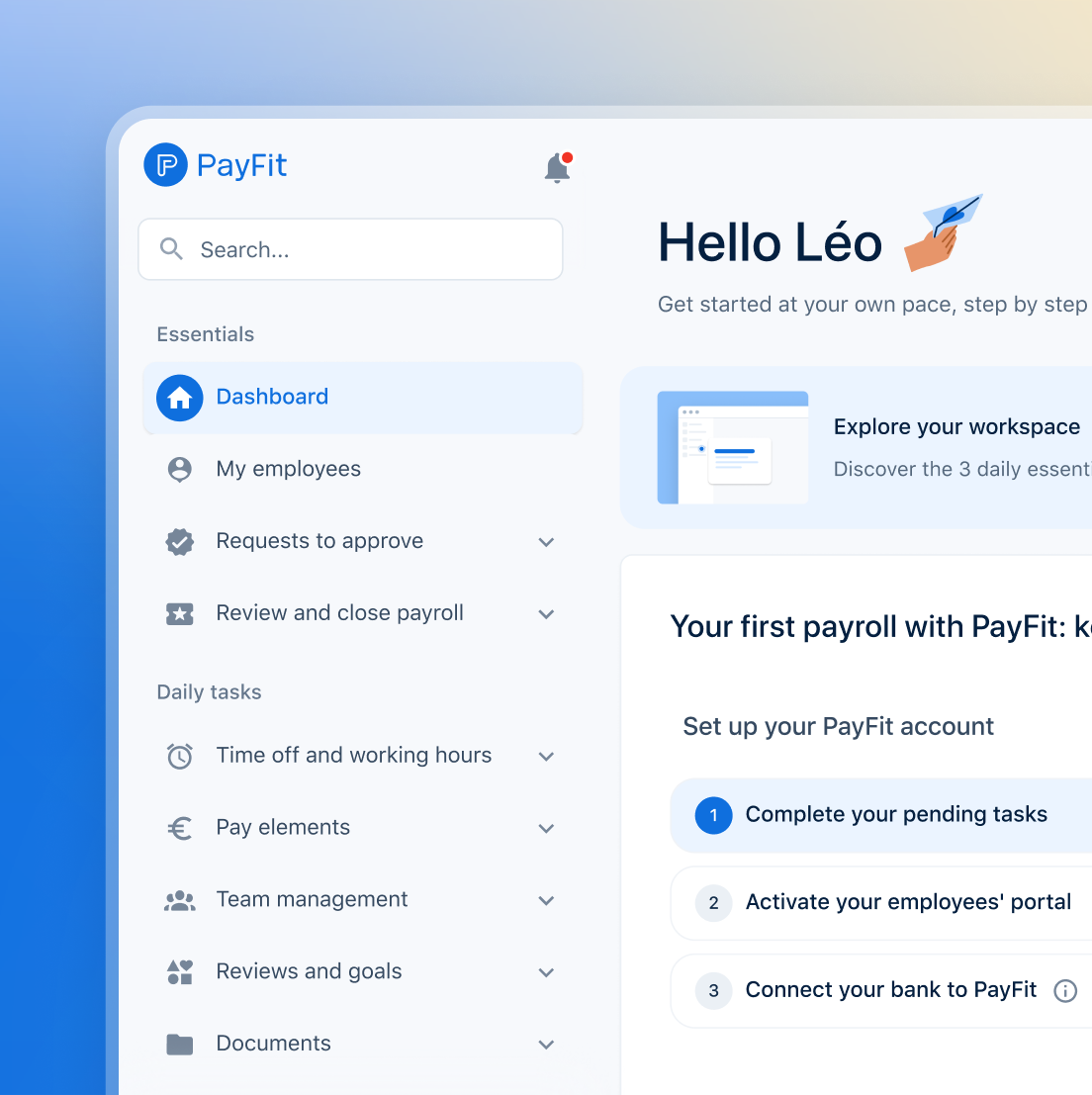
See what's new in PayFit
New features to save you time and give you back control. Watch now to see what's possible