NEW
✨ Health insurance, now in PayFit - learn more
LATEST
💷 All the rates & thresholds you need to know for 25/26...right here
WEBINAR
✨ The Payroll Journey: Start, Scale & Succeed Globally - learn more
✨ Health insurance, now in PayFit - learn more
💷 All the rates & thresholds you need to know for 25/26...right here
✨ The Payroll Journey: Start, Scale & Succeed Globally - learn more


Aside from making a Full Payment Submission (FPS), employers in the UK using the Pay As You Earn (PAYE) payroll system are expected to submit an Employer Payment Summary (EPS) to HMRC.
In this guide, you’ll learn all you need to know about an EPS — what it is, how it is sent, when to send it, penalties for late submissions, and so on.
Let’s dig in.
An Employer Payment Summary (EPS) is an essential submission employers make to His Majesty’s Revenue & Customs (HMRC) as part of the Real Time Information (RTI) system.
Employers use an EPS to report any adjustment to the values you can’t include in the Full Payment Submission. As such, you’re to send an EPS after sending an FPS.
Here are some other situations where an employer needs to submit an EPS:
If you didn’t pay any employees during a tax month — the period from the 6th of one month to the 5th of the following month. For example, from the 6th of July to the 5th of August. You shouldn’t send an FPS for months where you didn’t pay any employees.
To reclaim statutory payments like employees’ Statutory Maternity (SMP), Paternity, Adoption, Parental Bereavement and Shared Parental Pay.
If you pay Apprenticeship Levy.
If you’re not operating your business for an extended period of time. Or if you’re no longer an employer.
To indicate you’re making your final submission for the tax year.
To claim Construction Industry Scheme (CIS) deductions and Employee Allowance.
Here are some fields you’ll need to fill in when submitting an Employer Payment Summary:
Tax month. This indicates the period you want to claim or reclaim credit for.
Your bank details. You should include the bank account’s holder name, account number, branch sort code, and building society reference (if applicable). This is the bank account HMRC will credit if you’re overpaid.
A proper description for the “No payment for period,” “No payment dates from,” “No payment dates to,” “Period of inactivity from,” and “Period of inactivity to” fields.
To assist, HMRC provides a complete list of what to report when submitting an EPS.
You can also download a free HMRC checklist to ensure compliance and streamline your monthly payroll tasks for your UK business.
HMRC checklist for growing UK businesses
You are to submit an EPS, at the latest, by the 19th of the following tax month.
A tax month starts on the 6th of the month and runs till the 5th of the following month. So, for instance, if you wanted to submit an EPS for July, the window is open from the 20th of July until the 19th of August.
If you submit an EPS after the 19th, you wouldn’t be able to claim or reclaim any statutory payments or be credited for any statutory pay. Instead, you’d have to pay the full amount and PAYE liability owed.
However, since you did submit the EPS (but late), HMRC will credit you in the following tax month.
For example, let’s assume you wanted to reclaim statutory paternity payment for July but ended up sending the EPS late. HMRC will not credit you for July. Instead, it’d be until September before HMRC will credit your PAYE system with the statutory paternity payment.
Can’t make the deadline for the tax month? Then you can submit an EPS the following month, or tax period. As an EPS contains year-to-date values, HMRC will still receive the correct totals for the tax year to date.
One of the easiest ways to make an Employer Payment Summary to HMRC is with software. You should follow the software’s prompts/instructions on how to make a final submission.
Payroll software like PayFit helps employers make automatic submissions before the due date. If you make any mistakes while submitting an EPS, you can follow HMRC’s guide on rectifying them.
After sending your EPS, you can confirm how much you’ve claimed and check how you owe through your HMRC account. You should make this confirmation within two days or by the 14th if you sent your EPS before the 11th.
Furthermore, you should pay HMRC by the 22nd after sending your EPS on the 19th (the deadline).
Yes, you need to submit an EPS at the end of every tax year.
End & start of tax year checklist
PayFit has an experienced team of experts who can help you with your payroll and RTI submissions. When you use PayFit, you’ll never have to worry about late submissions, penalties, or additional planning.
Book a free demo today to learn more about managing your payroll and handling EPS submissions.

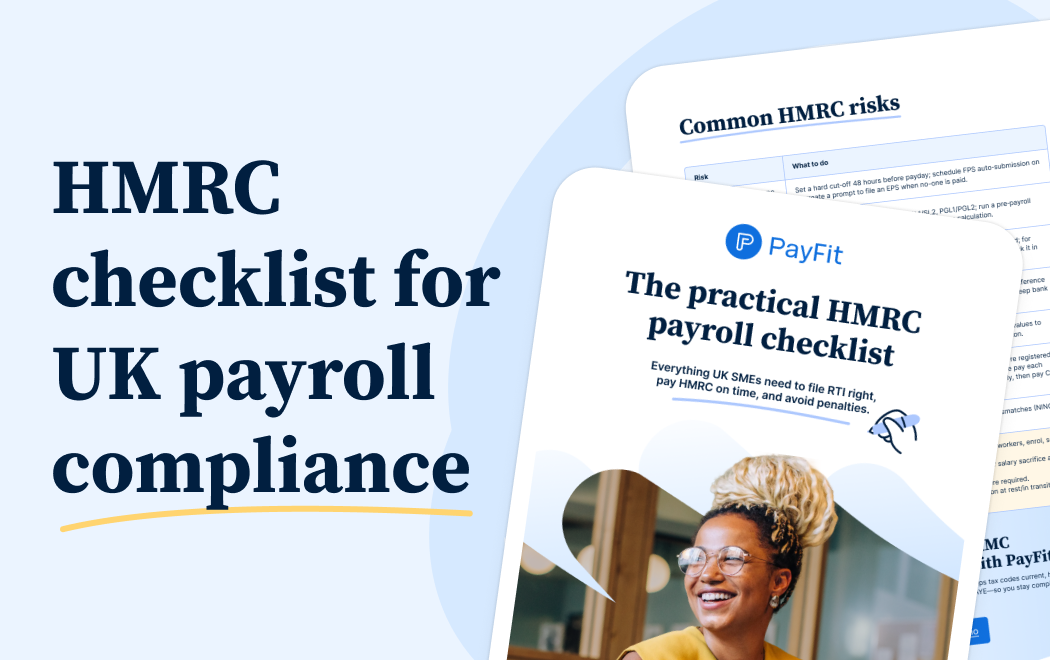
HMRC checklist for growing UK businesses

Essential guide for UK employers on the Lower Earnings Limit (LEL), covering new rates, National Insurance changes & the removal of LEL for SSP eligibility.

UK managers' guide to Employers National Insurance, the 15% rate, £5,000 threshold, Employment Allowance updates and how to stay compliant in 2026.

National Insurance varies based on a number of different factors. Learn about different UK National Insurance classes, from class 1 NIC to 4, here.

Learn how directors’ National Insurance works in the UK in 2026, including rates, thresholds, calculation methods, and key differences from employees.

Learn how to submit a Full Payment Submission (FPS) to HMRC in 2026, including deadlines, payroll data requirements, RTI rules, and how to avoid penalties.

Learn what an employer reference number (ERN) is in the UK, what it looks like, where to find it, and when you need one for payroll and PAYE admin.
See what's new in PayFit
New features to save you time and give you back control. Watch now to see what's possible