✨ PayFit AI : your payroll & HR companion, always available. Try it now
NEW
✨ Health insurance, now in PayFit - learn more
LATEST
💷 All the rates & thresholds you need to know for 25/26... right here
✨ PayFit AI : your payroll & HR companion, always available. Try it now
✨ Health insurance, now in PayFit - learn more
💷 All the rates & thresholds you need to know for 25/26... right here
From receipt submission to payroll reimbursement, Payfit handles every step of the expense process. Employees submit, managers approve and approved expenses are automatically added to payroll.

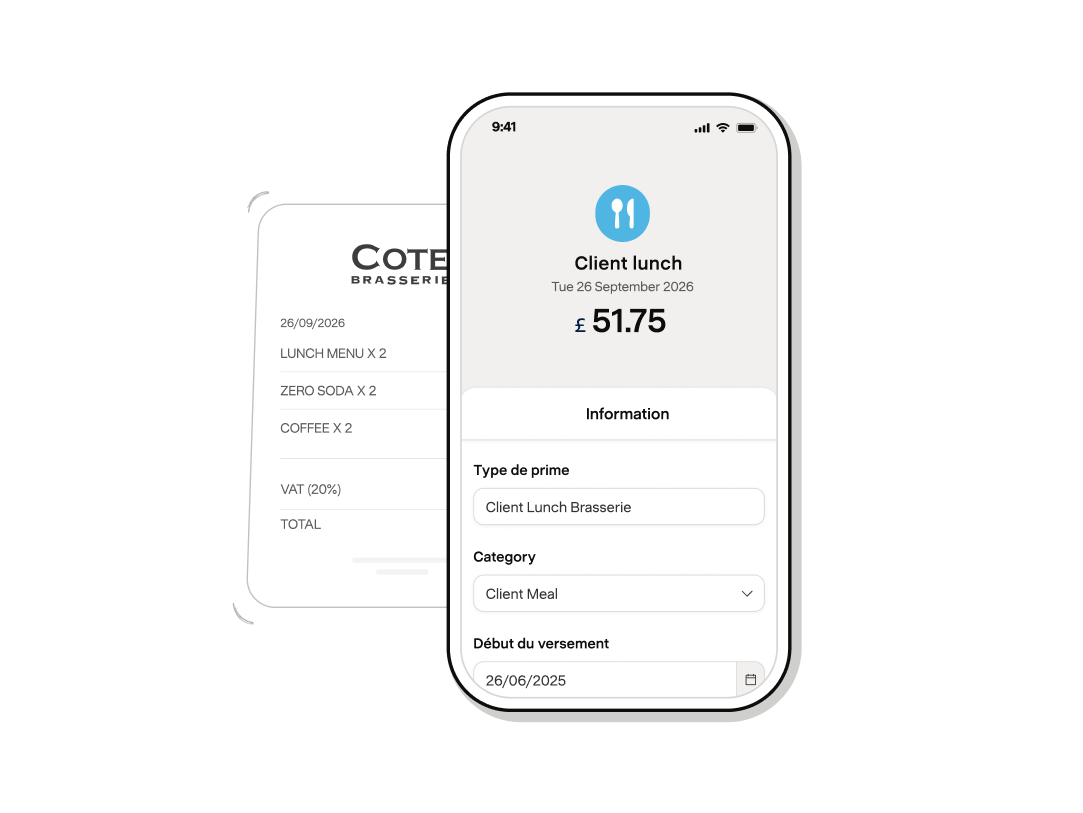
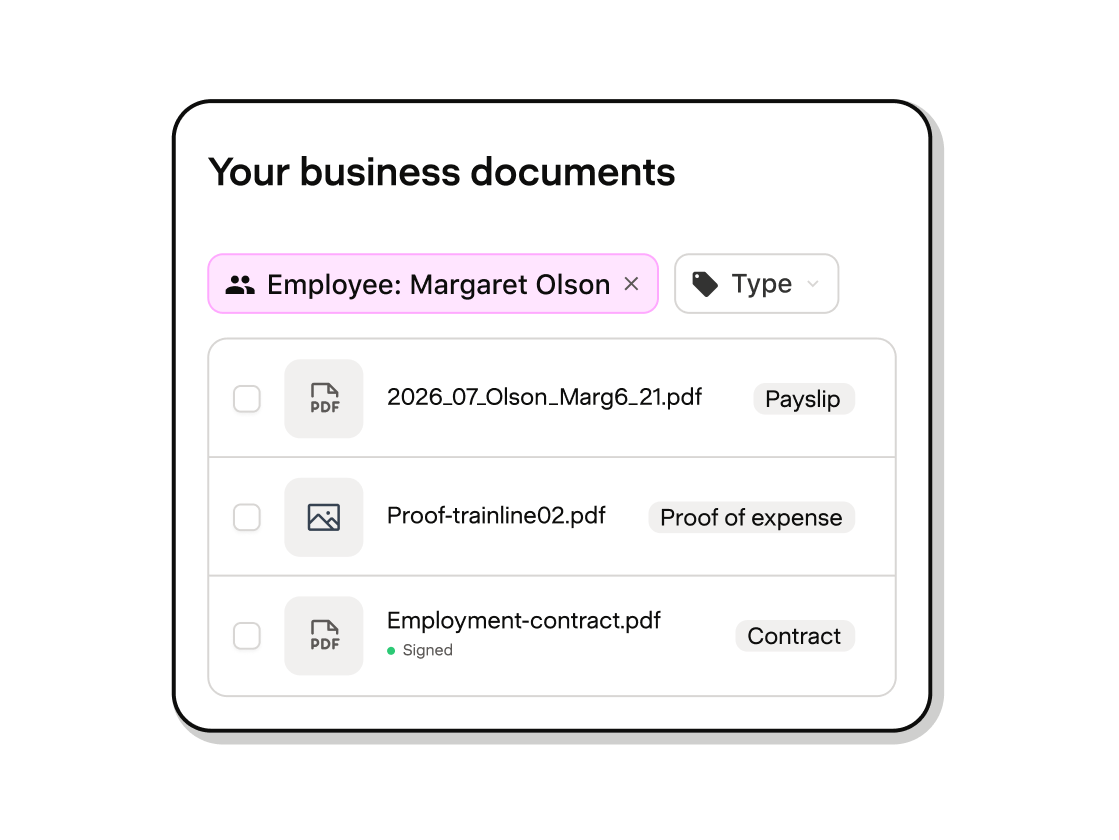
Employees upload a photo of their receipt and Payfit captures the details automatically. Receipts are stored securely, so your teams never have to hunt them down again.
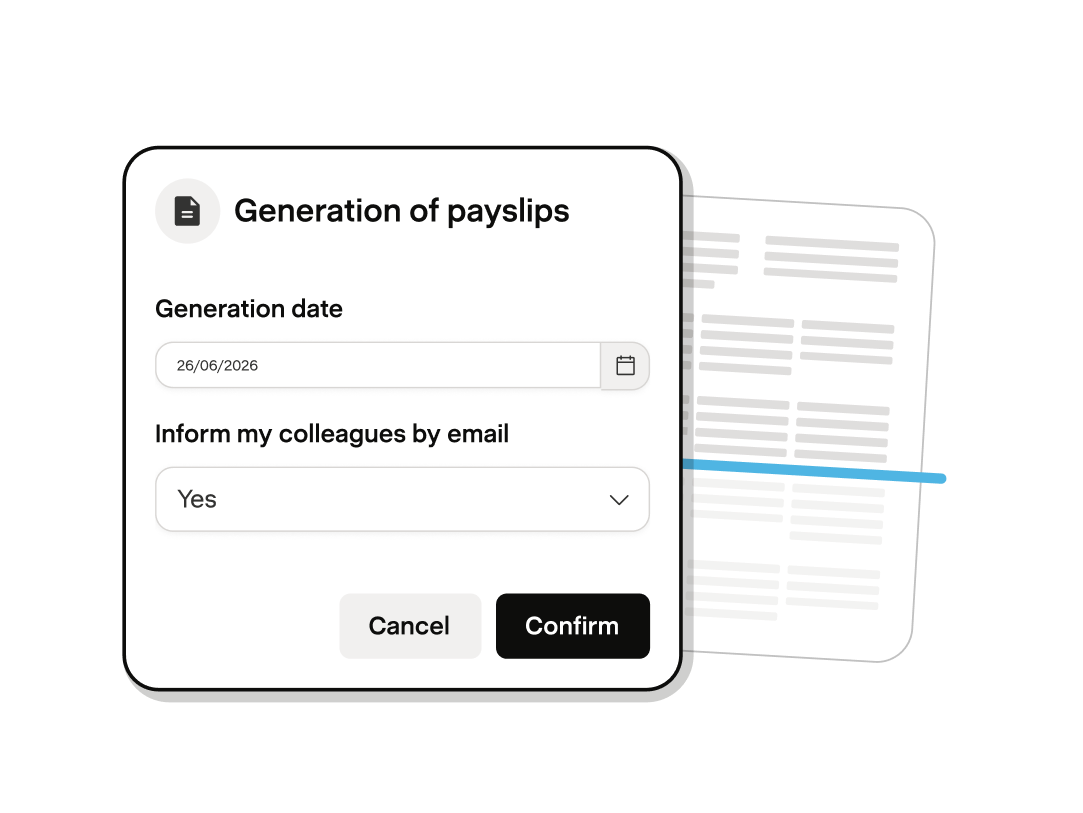
Managers review and approve expenses directly in Payfit. Once approved, expenses are automatically included in payroll. No manual updates required.
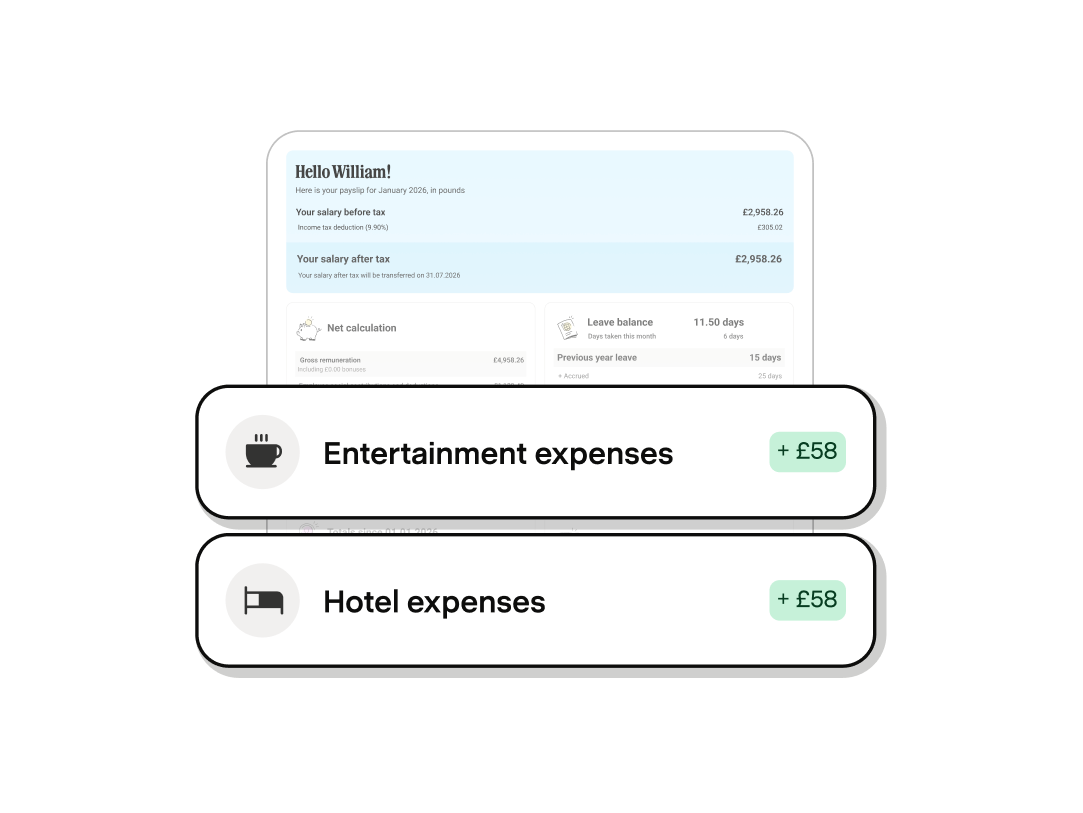
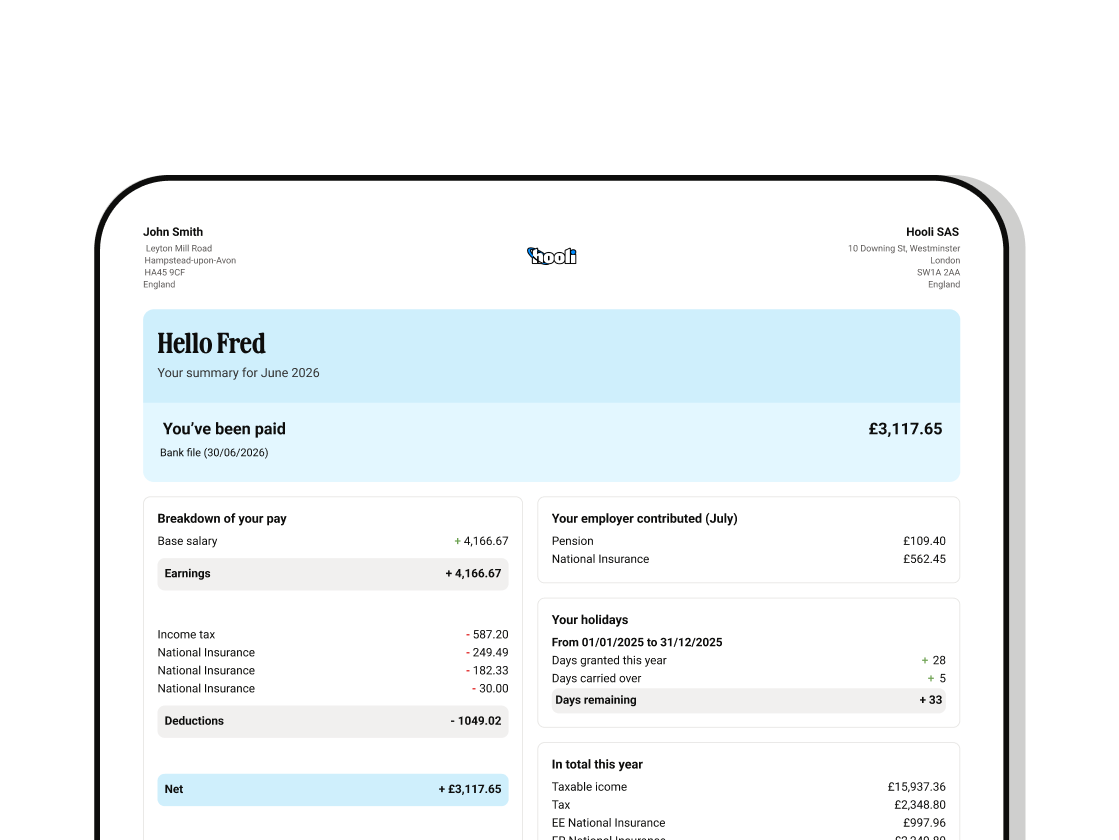
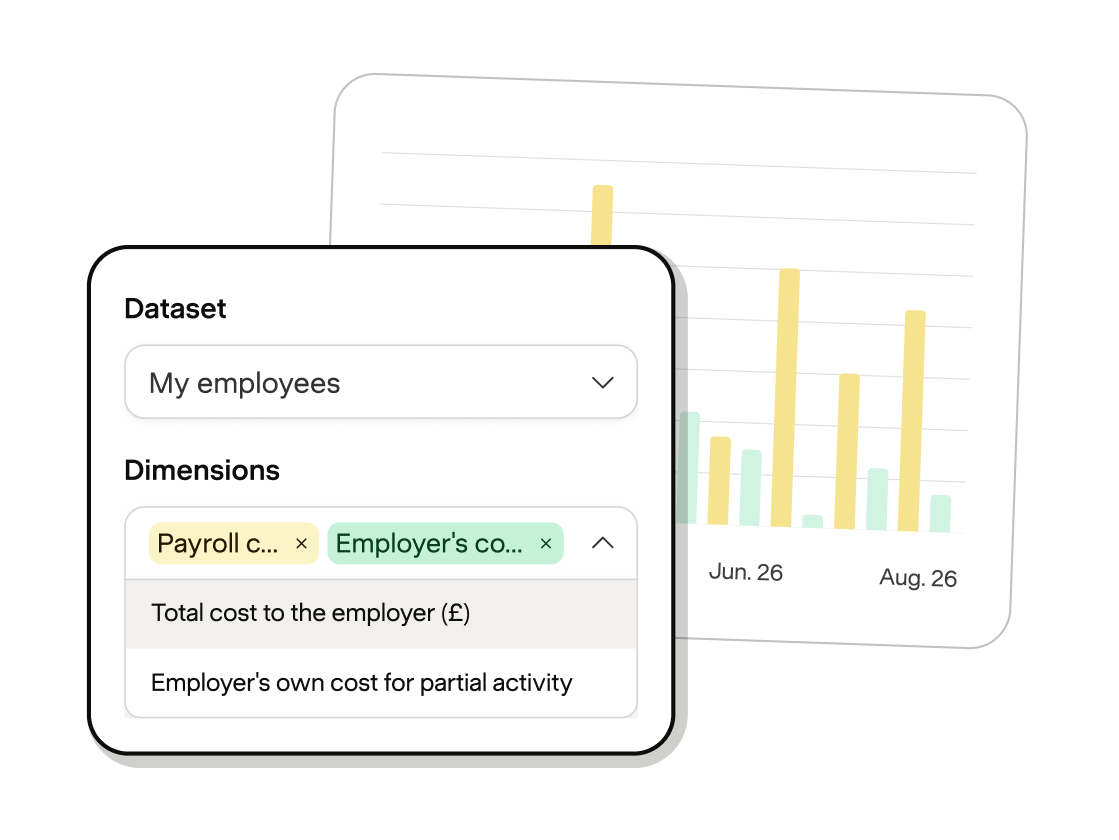
Employees know when they'll be reimbursed, managers approve with confidence and admins get a complete view of expenses and payroll impact in one place.
Employees log in to their personal space and upload a photo of their receipt.
Optical character recognition automatically fills relevant fields. Employees check and submit their request.
Managers get notified to approve (or deny) the request. Once they do, payroll updates automatically.


They take a photo of their receipt on their phone. Payfit's OCR technology reads the receipt and fills in the relevant fields automatically – amount, date, category. The employee checks the details, adds any notes, and submits. From there, their manager receives an instant notification to approve or decline. Once approved, the reimbursement is included in their next payslip automatically. Three steps. No spreadsheets. No chasing.
Reimbursements are processed through payroll so employees receive their money with their next salary payment, clearly shown on their payslip. There's no separate bank transfer to manage and no delay between approval and payment. For employees, it's one less thing to chase HR about.
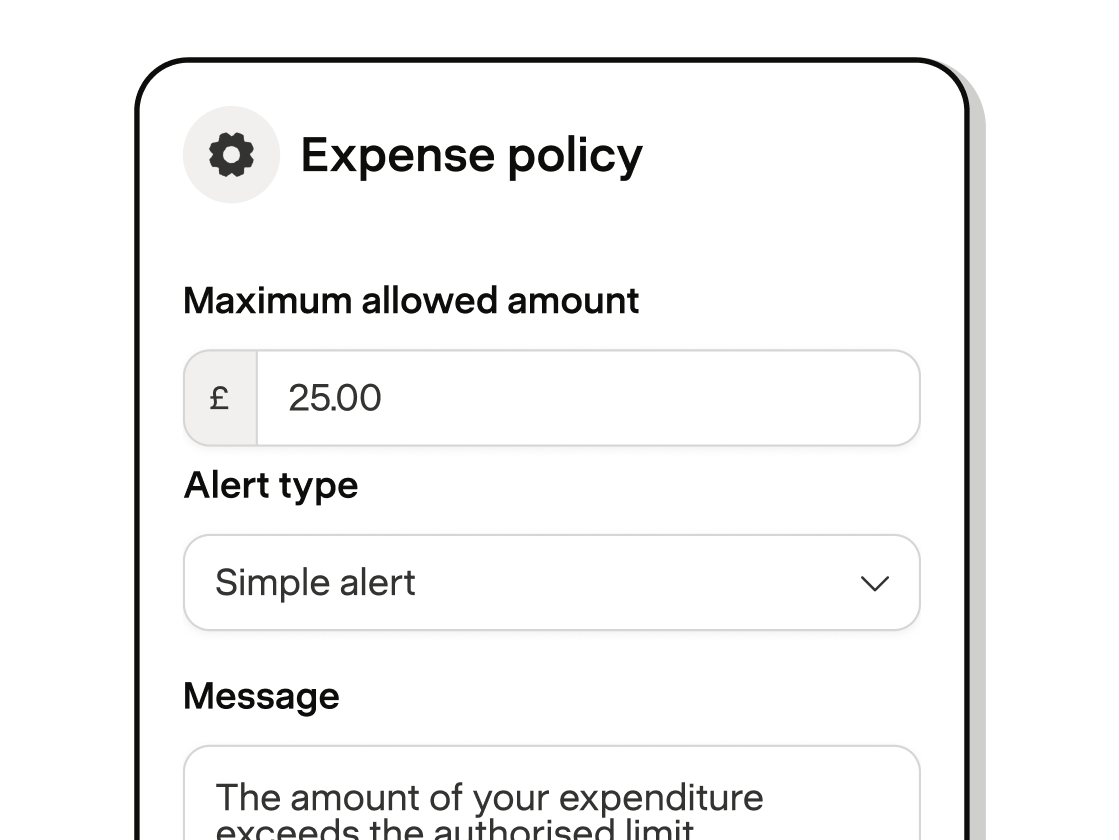
Yes. You can set spending limits per expense category or as an overall cap directly within Payfit. If a claim exceeds your limit, it's flagged for review before approval. You stay in control of your expenses budget without having to manually audit every claim.
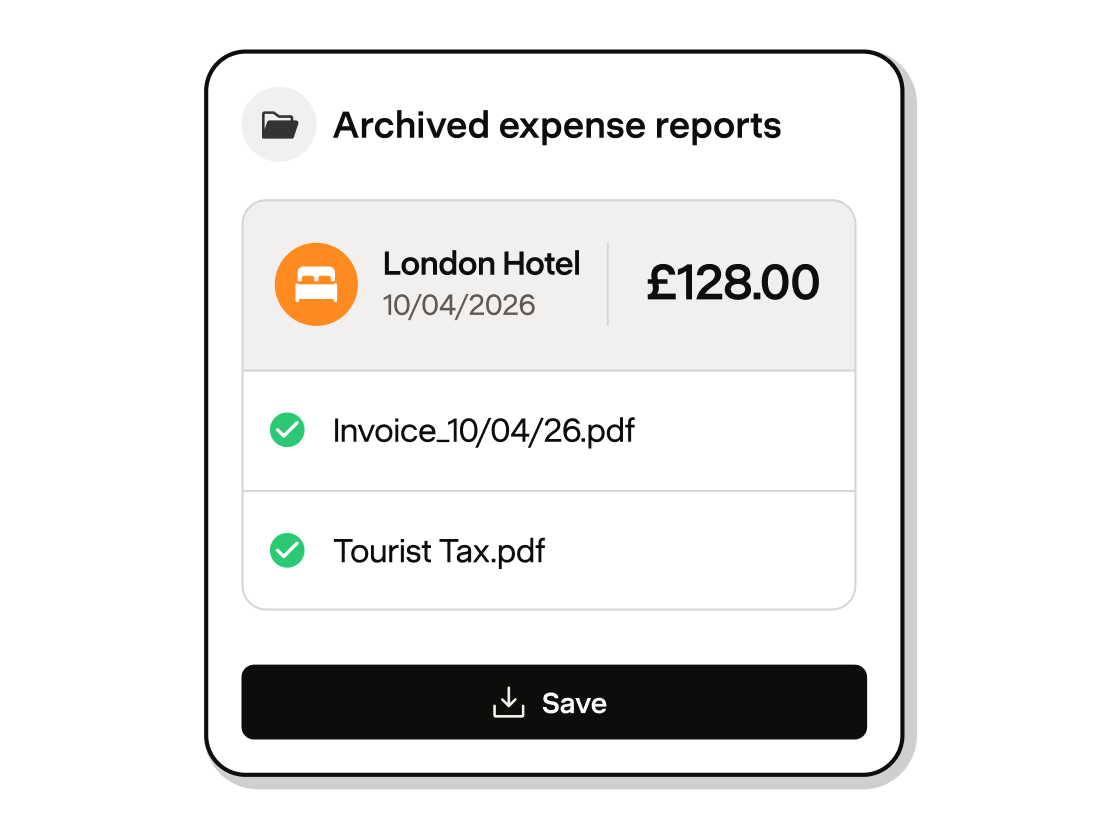
Every approved expense in Payfit is given a digital signature and a unique fingerprint before being securely archived. The full supporting documentation – receipt images, approval history, amounts, can be downloaded in one click at any time. In the event of an HMRC inspection, you've got everything you need, already organised.
You can entrust us with payroll management alone, or get support with HR management, leave and absence management, and management routines.
You can cancel anytime.