NEW
✨ Health insurance, now in PayFit - learn more
LATEST
💷 All the rates & thresholds you need to know for 25/26...right here
WEBINAR
✨ The Payroll Journey: Start, Scale & Succeed Globally - learn more
✨ Health insurance, now in PayFit - learn more
💷 All the rates & thresholds you need to know for 25/26...right here
✨ The Payroll Journey: Start, Scale & Succeed Globally - learn more
A step-by-step guide covering comprehensive lifecycle, from setting up a new starter to finalising your annual return.
Clear RTI submission protocols on when and how to file FPS and EPS submissions to avoid penalties.
Data validation steps including essential checks for tax codes, NI numbers and variable pay elements before each pay run.
Audit and record-keeping best practices for maintaining a clean audit trail and storing statutory payment evidence.
Streamline your monthly payroll tasks and ensure compliance with our practical HMRC checklist for UK businesses.
Running a growing business in the United Kingdom requires juggling countless responsibilities, but few are as critical as getting your people paid correctly. Compliance is not optional. It is the foundation of trust between an employer and their team.
However, navigating the labyrinth of tax codes, National Insurance categories, and statutory reporting deadlines can feel overwhelming. A single missed deadline or an incorrect digit can lead to frustrating corrections and unwanted attention from the taxman.
That is why we have created this comprehensive HMRC checklist resource. Our practical HMRC checklist is designed to strip away the complexity of payroll governance. It offers a clear, step-by-step path through the monthly cycle, from setting up a new starter to closing the annual cycle.
Whether you are a seasoned HR manager or a business owner handling the finances yourself, this HMRC checklist ensures nothing will slip through the cracks. It covers the vital data checks required before every pay run. It explains the precise timing for Real Time Information (RTI) submissions. It even details the often-missed nuances of benefit reporting. By following our structured approach, you can reduce administrative stress and focus on what really matters, that is, growing your business.
You should handle new starter information by gathering together accurate data and verifying all worker details before your first payroll run includes them. Getting all of this right from the very beginning will prevent a cascade of errors that may only become evident much later.
When a new employee joins your team, the clock starts ticking immediately. You will have to gather all the relevant data to set them up properly in your payroll software. This includes their full name, date of birth, address, and, importantly, their National Insurance number and employment status.
Furthermore, you must determine their correct tax code and student loan status. This is usually done by asking the new starter to provide a P45 from their previous job. If they do not have one, or if it is their first job, you must ask them to complete a starter checklist so that you can assign them the appropriate code.
Using the wrong tax code is one of the most common causes of payroll issues. It results in your new hire paying too much or too little tax, which is a terrible way to start a new job. If no P45 or checklist is provided, you may be forced to use an emergency tax code on a non-cumulative basis.
Beyond the tax basics, you will also need to confirm their National Insurance (NI) category letter. This letter tells the regulator how much NI to deduct. Most employees fall into category A, but there are distinct letters for apprentices, employees under 21, married women and widows entitled to pay reduced NI, employees over the State Pension age, employees who can defer National Insurance because they are already paying it in another job, those working in designated Freeports and Investment Zones, and so on.
If you employ overseas workers or those with specific visa requirements, the checks become even more stringent. You must ensure they have the legal right to work in the UK before they perform a single hour of work.
Finally, you should verify all the employment contract details. Ensure the salary, hours and start date match what is in your system. An accurate commencement date is vital for calculating pro-rata pay and reporting the correct joining date.
The HMRC checklist included in this resource breaks these steps down into bite-sized actions. It ensures you capture every piece of data required to create a pristine employee record. This initial diligence is the best insurance against future compliance headaches and penalties.
You must submit payroll information to HMRC on or before the day you pay your staff.
This submission is known as the Full Payment Submission (FPS). It is the heartbeat of the UK Pay As You Earn (PAYE) system. Every time you make a payment to a worker, whether it is their regular salary, a bonus, or holiday pay, you must tell HMRC about it in real time. The ‘on or before’ rule is strict. If you file your FPS late without a valid reason, you will risk incurring automatic penalties.
The FPS report contains a wealth of data. It details the gross taxable pay, the tax and NI deducted, and the net pay for every individual on your payroll. It also includes the employer’s NI contributions. Since this data also feeds directly into the Universal Credit system, accuracy is paramount. An error here can directly impact an employee’s entitlement to state benefits and statutory income support.
There are rare occasions when you might not pay anyone in a tax month. In this scenario, you still have the obligation to report. Therefore, you will have lodge an Employer Payment Summary (EPS) by the 19th of the following tax month to indicate that no payment was due.
The EPS is also used to reclaim statutory payments, such as maternity pay or paternity pay, and to claim the Employment Allowance if you are eligible. Failure to file an EPS when no payment is made can lead the authorities to estimate what you owe, and therefore send you a demand for a payment that you do not actually owe.
Your payroll calendar dictates this rhythm. Whether you pay weekly or monthly, the deadline will be tied to the payment date. Our HMRC checklist provides a clear reminder of these critical windows. It prompts you to validate pay variances before you hit submit. A quick check on unusually high or low figures can save hours of unravelling mistakes and knock-on effects. It also reminds you to keep a receipt of each submission. This audit trail is your proof that you have, in fact, met your obligations on time.
The rules for reporting employee benefits involve either processing them through your payroll in real time, or submitting a separate declaration at the end of the fiscal period via a P11D form. Benefits in Kind (BiK) are non-cash perks you provide to your team, such as private medical insurance, company cars, or gym memberships. These perks are taxable, and HMRC wants to know about them.
Historically, most employers reported benefits in kind using a P11D form. This form must be sent to HMRC by 6th July following the end of the tax year. In it, you will also have to calculate the Class 1A NI due. This creates a significant administrative burden during the summer months, requiring you to collate data from the entire previous year, check it for accuracy, and then produce a statement for each employee. You must also file a P11D(b) form to declare the total amount of Class 1A NI you owe.
However, many modern businesses now choose to payroll benefits instead, which is expected to become mandatory for everyone in April 2027. This method allows you to collect the tax due on the benefit each payday. It spreads the cost for the employee, and removes the need to file P11D forms for those items. If you choose this route, you must register online before the beginning of the tax year. This simplifies the year-end process significantly, though you will still need to submit your P11D(b) form for the employer’s NI contributions.
Regardless of the method you use, the value of the benefit must be accurate. For a company car, this means knowing the CO2 emissions and the list price. For medical insurance, you’ll need to know the cost of the premium. Our HMRC checklist resource helps you track these elements. It prompts you to decide on your reporting method well in advance. It also reminds you to track changes during the year. If an employee swaps their company car, or upgrades their health plan, your records need to reflect that immediately. Failing to update such details can lead to a messy reconciliation process when you try to close out the year.
Businesses can avoid common regulatory penalties by maintaining rigorous record-keeping standards and reconciling their liabilities every single month. Penalties often arise from simple process failures rather than deliberate evasion, with the most frequent issues being late filings, and late payments.
As already mentioned, filing your FPS late will attract a fine. However, paying the revenue body late is equally problematic. You must pay your PAYE and NI bill by the 22nd of the month (or the 19th if paying by post). If you miss this date, interest will start to accrue immediately. To avoid this, successful businesses use a ‘reconciliation’ step in the payroll process. This involves comparing the figures in your software with the amount you intend to send to the Accounts Office.
Ensuring you use the correct payment reference number is also vital. It is easy to confuse your identifiers: your PAYE Reference (ERN) is for filing, your Unique Taxpayer Reference (UTR) is for Corporation Tax, but you must use your Accounts Office Reference to pay your monthly bill. Using the wrong one, or an old reference, can lead HMRC to allocate your payment to a previous period, or the wrong tax account, triggering an automated demand for the current one.
Another risk area is the National Minimum Wage. You must ensure that every employee earns at least the legal minimum for their age group. This sounds simple, but salary sacrifice schemes or deductions for uniforms can sometimes drag pay below the threshold. So, regular checks are essential. Similarly, you must ensure you apply accurate statutory payments for sickness or shared parental leave. Miscalculating these can lead to underpaying employed staff, or over-claiming relief from the government.
Our HMRC checklist serves as a monthly shield against these risks. It forces you to pause and verify. Did you apply the latest tax code notice? Have you checked the dates for the new fiscal year? Did you keep a separate record of that student loan deduction? By ticking off these items, you create a robust compliance culture. You won’t just hope you are right, you will know you are right.
Reduce compliance risk: systematically tick off legal requirements to ensure you never miss a critical regulatory deadline or update.
Save administrative time: stop guessing and start following a proven process that streamlines your monthly salary workflow.
Improve data accuracy: minimise human error by validating worker data, tax codes and benefit values before you press ‘calculate’.
If you fail to submit your Full Payment Submission (FPS) on or before your staff’s payday, HMRC may issue a late filing penalty. You can provide a late reporting reason code if a valid excuse applies, but consistent lateness will trigger fines. To avoid this, many teams use automated reminders or modern payroll software that will prompt for your submission at just the right moment.
If you discover an error after you have submitted your FPS, you can usually correct it in your next regular pay run. Your software should allow you to adjust the year-to-date figures. For more significant errors, you may need to submit an additional Full Payment Submission (FPS) for the specific period. It is vital to fix wage errors quickly to ensure your staff’s tax records remain accurate.
You generally only need to file an Employer Payment Summary (EPS) if you need to reclaim statutory payments (like maternity pay), claim Employment Allowance, or have not paid any employees in that tax month. Unlike for an FPS, the EPS deadline is the 19th of the following month. Understanding the difference between FPS and EPS is crucial for managing your liabilities.
HMRC mandates that you must keep your payroll records for at least three years from the end of the tax year they relate to. However, it is widely recommended to keep payroll records for six years, to align with the Companies Act, and the time limit for civil claims, such as breach of contract. This includes all the details of pay, deductions, and any reports you make to HMRC. Keeping an organised digital archive will help you respond quickly if HMRC ever conducts a compliance check.
Generally, you cannot switch to payrolling items in the middle of a tax year. You must register to payroll benefits before the start of the period (6th April). If you miss this deadline, you will likely need to continue using P11D forms until the next year begins. Planning your perks strategy early will ensure you choose the most efficient method for your business.
Yes, our HMRC checklist applies to company directors as well, specifically regarding NI. Directors have a unique annual earnings period for NI, which can be calculated differently. It is important to confirm the correct directors’ NI method (annual vs. alternative) at the start of the year in order to prevent uneven deductions.
Our HMRC checklist document outlines exactly which records you need to store to satisfy audit requirements. You won’t want to be scrambling for an old P60 during an inspection. The resource specifies the types of evidence you must keep (like payment proofs and RTI receipts), ensuring you have all the right documentation on hand for the required duration.
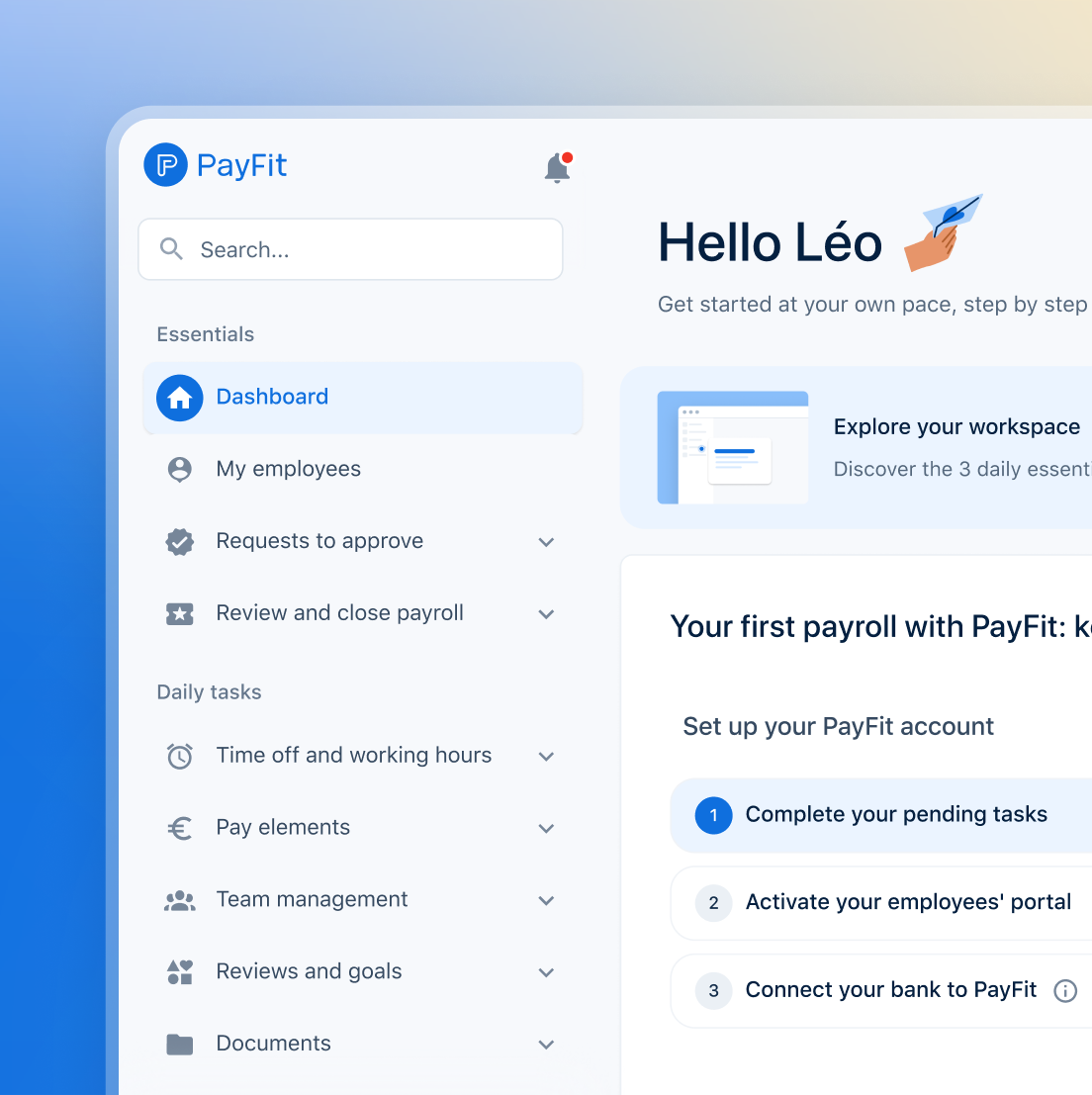
See what's new in PayFit
New features to save you time and give you back control. Watch now to see what's possible